
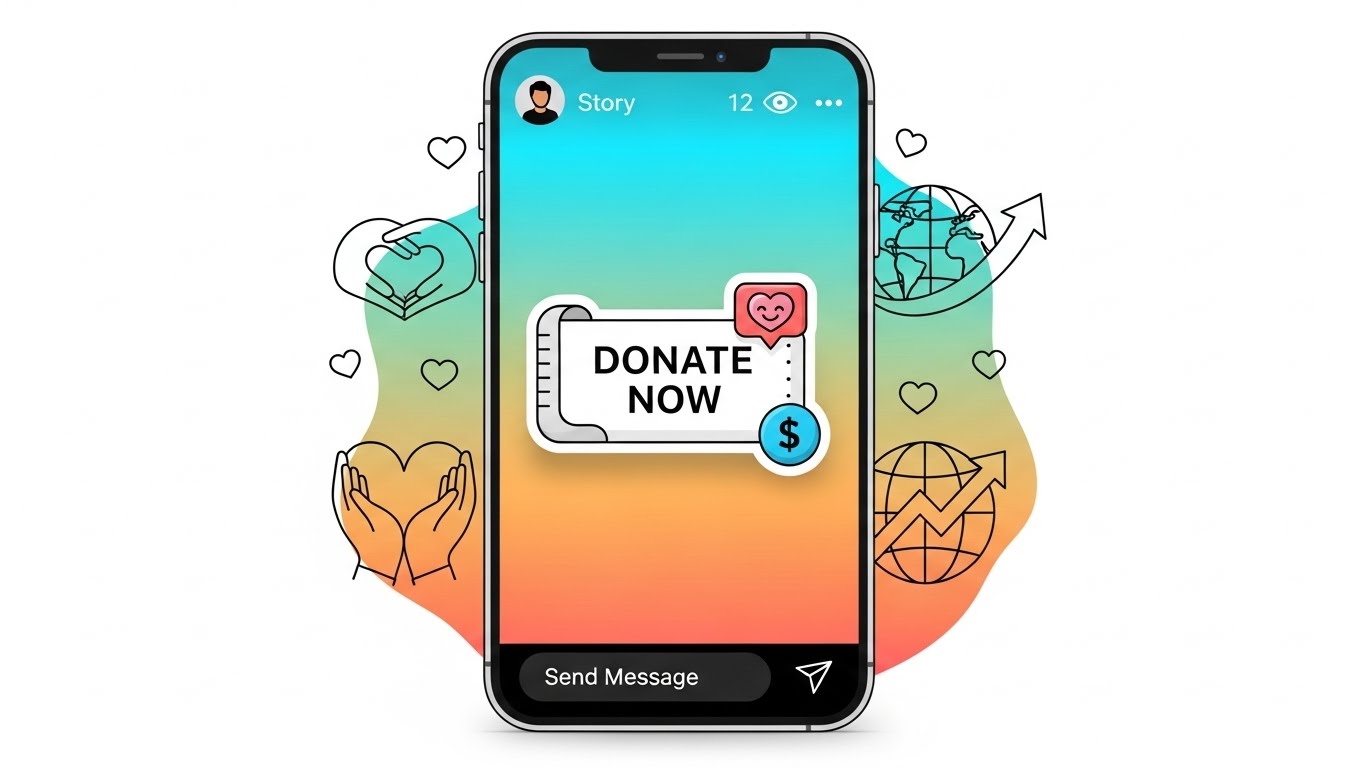
Instagram has evolved from a simple photo-sharing app into a full-scale digital ecosystem that empowers creators, nonprofits, and everyday users to raise awareness and funds for important causes. One of the most powerful tools for social impact on Instagram is the Donation Sticker, a built-in fundraising feature designed to make giving both easy and engaging.
Whether you’re launching a one-time charity appeal, supporting a global crisis, raising money for a community project, or boosting your nonprofit’s visibility, Instagram’s Donation Sticker can significantly amplify your reach and impact.
This article will guide you through everything you need to know about using Instagram’s Donation Sticker effectively—from setup to strategy—while providing examples, content ideas, best practices, and tips to maximize donations. You’ll also find emojis, a few tables, and a wide range of real-world applications to spark your creativity. 🎉📱💰
1. What Is Instagram’s Donation Sticker?
The Instagram Donation Sticker is an interactive sticker available in Instagram Stories that allows users to raise money for verified nonprofits. When followers tap on the sticker, they can donate directly without leaving the app.
✔ Key features include:
- Direct in-app donation system (smooth user experience)
- No additional fees for nonprofits
- Works globally (in supported regions)
- Visually customizable
- Links donations to official nonprofit accounts
Instagram processes donations through its secure partner payment services, ensuring transparency and safety for both donors and nonprofits.
Why It Works
- Simple — Requires minimal setup
- Viral — Followers can reshare your story and sticker
- Fast — Perfect for urgent or time-sensitive fundraising
- Emotional — Story format creates a powerful personal connection
In short, it’s a fundraiser built for the age of social media: visual, shareable, and friction-free.
2. Requirements for Using the Donation Sticker
To start using Instagram’s Donation Sticker, make sure you meet the following requirements:
For Regular Users
✔ An Instagram account
✔ Updated Instagram app
✔ Access to Instagram Stories
Most users worldwide can add the donation sticker if nonprofit fundraising is supported in their country.
For Nonprofits
Nonprofit organizations must:
- Be recognized as a verified nonprofit in Instagram’s system
- Have a Facebook Page
- Be enrolled in Meta’s Charitable Giving Tools
Once approved, nonprofits can run fundraisers on Instagram, receive donations, and track contributions through Meta tools.
Availability
The Donation Sticker is available in many, but not all, regions. If you don’t see it, your region may not yet be supported.
3. How to Add a Donation Sticker in Instagram Stories
Let’s walk through the step-by-step process.
📌 Step-by-Step Instructions
- Open Instagram and swipe right to enter Stories.
- Choose a photo, video, or create a blank background.
- Tap the sticker icon (a square smiley face).
- Select “Donation” from the sticker menu.
- Search for the nonprofit you want to support.
- Customize the sticker color (optional).
- Add text, GIFs, drawings, or other elements to your story.
- Press “Share to Story.”
That’s it! Your followers can now click the sticker and donate instantly. ✨
4. Choosing the Right Nonprofit to Support
One of the most important parts of your Instagram fundraiser is selecting the right organization. Your supporters want to donate to causes that feel trustworthy, impactful, and aligned with your message.
Criteria for Choosing a Nonprofit
Use this checklist:
- ✔ Mission alignment
- ✔ Transparency
- ✔ Track record of impact
- ✔ Recognition in the community
- ✔ Clear storytelling and branding
- ✔ Activity on Instagram
- ✔ Urgency of their cause
Examples of Cause Categories
- Animal rescue 🐶
- Environmental protection 🌱
- Mental health 🧠
- Disaster relief 🌪
- Children’s organizations 👧👦
- Homelessness programs 🏘
- Cancer research 🎗
- Human rights organizations ✊
5. Best Practices for a Successful Instagram Fundraiser
Using the sticker is simple—but using it effectively requires strategy. Here are best practices to maximize visibility, engagement, and donations.
📣 1. Tell a Compelling Story
Stories drive donations. Your audience needs to understand:
- WHY the cause matters
- WHAT the nonprofit does
- HOW their money helps
- WHY you care
Use emotional storytelling with images, videos, and personal experiences.
🎨 2. Make Your Stories Visually Appealing
Engaging visuals = higher interaction.
Enhance your story with:
- Emojis
- GIFs
- High-quality images
- Clean typography
- Short captions
Use brand colors for a professional look.
📊 3. Provide Transparency
People donate when they trust where their money goes.
You can share:
- Impact statistics
- Examples of what donations pay for
- Testimonials or success stories
- Budget breakdowns
A table like the one below can help:
Example: Donation Impact Table
| Donation Amount | What It Provides | Emoji |
|---|---|---|
| $5 | One meal for a child in need | 🍽️ |
| $10 | Two weeks of vitamins | 💊 |
| $20 | School supplies for a month | 🎒 |
| $50 | Medical support for a family | 🏥 |
⏰ 4. Post Multiple Times
One story is not enough.
Run a short campaign—post throughout the day or the week.
Ideas for posting schedule:
- Story with donation sticker
- Behind-the-scenes
- Progress updates
- Screenshots of donation totals (hide usernames)
- Thank-you messages
🤝 5. Encourage Followers to Share
Ask your audience to reshare your story.
The network effect is powerful—every share brings potential new donors.
📈 6. Use a Clear Call to Action (CTA)
Examples:
- “Tap the sticker to donate!”
- “Help us reach $500 today!”
- “Your $5 can save a life.”
- “Share this story to spread the word!”
🎤 7. Add Audio or Voiceovers
Music or voice explanations boost engagement.
Narrate the story of the charity or explain the goal.
🎯 8. Keep the Goal Clear
Goals create urgency.
Examples:
- “Let’s raise $1000 for wildfire victims.”
- “Help us fund 50 pet rescues this month!”
You may create a simple progress table:
| Goal | Amount Reached | % Completed |
|---|---|---|
| $1000 | $420 | 42% |
🧡 9. Show Gratitude
Thank donors publicly (without revealing identities unless permitted).
Examples:
- “Thank you to everyone donating today!”
- “We’re halfway there—your generosity is amazing!”
Gratitude boosts future donations.
💬 10. Engage with DMs and Comments
People often DM with questions. Respond warmly and quickly.
The more personal the connection, the more likely they’ll donate.
6. Advanced Strategies to Maximize Donations
Once you’ve mastered the basics, you can deepen your strategy with more advanced techniques.
📌 A. Story Highlights for Long-Term Fundraising
Create a highlight called “Fundraiser ❤️” so the donation stories stay visible even after 24 hours.
Add sections:
- About the cause
- Why it matters
- Donation link
- Updates
- Thank you notes
📌 B. Use Video for Emotional Impact
Videos outperform photos on nearly every metric.
Ideas:
- Introduce the cause in a selfie video
- Show footage of the nonprofit’s work
- Explain donation impact
- Invite people to share
- Use captions for accessibility
📌 C. Collaborate with Influencers or Partners
Even small influencers can multiply reach.
Types of collaborators:
- Local creators
- Nonprofit staff
- Volunteers
- Businesses
- Community leaders
You can ask them to repost your stories or create their own.
📌 D. Launch a Multi-Day Campaign
Instead of a one-day fundraiser, run a multi-day campaign:
Day 1: Introduce the cause
Day 2: Share the nonprofit’s mission
Day 3: Add the donation sticker
Day 4: Share updates and impact
Day 5: Final push + celebration
📌 E. Use Analytics
Instagram provides insights such as:
- Story views
- Link taps
- Sticker interactions
Study what content performs best and adjust accordingly.
📌 F. Combine With Reels and Posts
You can’t use the donation sticker in Reels—BUT you can point viewers to your Story fundraiser.
Example CTA:
“Head to my Stories to donate 💛➡️”
This helps funnel more traffic into your donation story.
7. Creative Ideas for Using the Donation Sticker
If you need inspiration, here are fun and effective ways to use the donation sticker across different niches.
🎨 For Creators and Artists
- Auction a drawing/sketch via stories
- Host a “donate to pick my next artwork” event
- Share behind-the-scenes videos with donation prompts
😍 For Influencers
- Match the first $100 of follower donations
- Create a “challenge day” (ex., do a dance for every $50 raised)
- Share emotional stories or personal connections to the cause
🐶 For Animal Lovers
- Post rescue pet photos
- Share adoption stories
- Highlight urgent medical cases (with permission)
🏋️ For Fitness Accounts
- Do a fitness challenge (ex.: 10 pushups for every $10 donated)
- Host a virtual workout fundraiser
- Show before/after progress of charity athletic events
📚 For Educators
- Raise money for classroom supplies
- Support literacy programs
- Fund student field trips
🎉 For Birthday Fundraisers
Use the donation sticker on your birthday story:
“Skip the gifts 🎁—donate $5 to help kids in need!”
This is one of the most successful ways to use the sticker.
8. Common Mistakes to Avoid
Here are pitfalls to watch out for:
🚫 Not explaining the cause
If people don’t understand the mission, they won’t donate.
🚫 Using low-quality visuals
Unclear or unpolished visuals decrease trust.
🚫 Posting only one story
People may miss it—post multiple times.
🚫 Not showing updates
Updates encourage continued giving.
🚫 Forgetting to include a CTA
Always guide people by telling them what to do.
9. Metrics to Measure Success
Tracking performance is essential for future campaigns.
Key Metrics:
- Total donations
- Number of donors
- Sticker taps
- Story replies
- Shares
- Reach
- View duration
You can create a tracking table:
| Metric | Goal | Actual | Notes |
|---|---|---|---|
| Donations | $1000 | $750 | Strong engagement, need more shares |
| Donors | 100 | 85 | Good conversion rate |
| Shares | 50 | 22 | Improve with stronger CTA |
| Sticker Taps | 400 | 380 | Excellent performance |
10. Frequently Asked Questions
1. Can I raise money for myself using the donation sticker?
No, the donation sticker only supports verified nonprofits, not personal fundraisers.
2. Are donations tax-deductible?
It depends on your country and the nonprofit. The app typically notifies users where applicable.
3. Does Instagram take a percentage?
No. Donations go 100% to the nonprofit (in regions using Meta’s Charitable Giving Tools).
4. Can business accounts use the donation sticker?
Yes—creators, personal accounts, and business accounts can all use it.
5. Can nonprofits track donations from stories?
Yes, through Meta’s professional dashboards and charitable tools.
11. Final Tips for Maximum Fundraising Success
- Use emotional storytelling ❤️
- Keep visuals clean and appealing
- Post consistently throughout your campaign
- Share real stories from the nonprofit
- Thank your donors often
- Set realistic goals
- Encourage resharing
- Use video whenever possible
- Highlight impact
- Follow up after the campaign with outcomes
With creativity, authenticity, and strategic posting, Instagram’s Donation Sticker can become one of your most effective tools for generating real-world impact. 🌍✨
Leave a Reply