
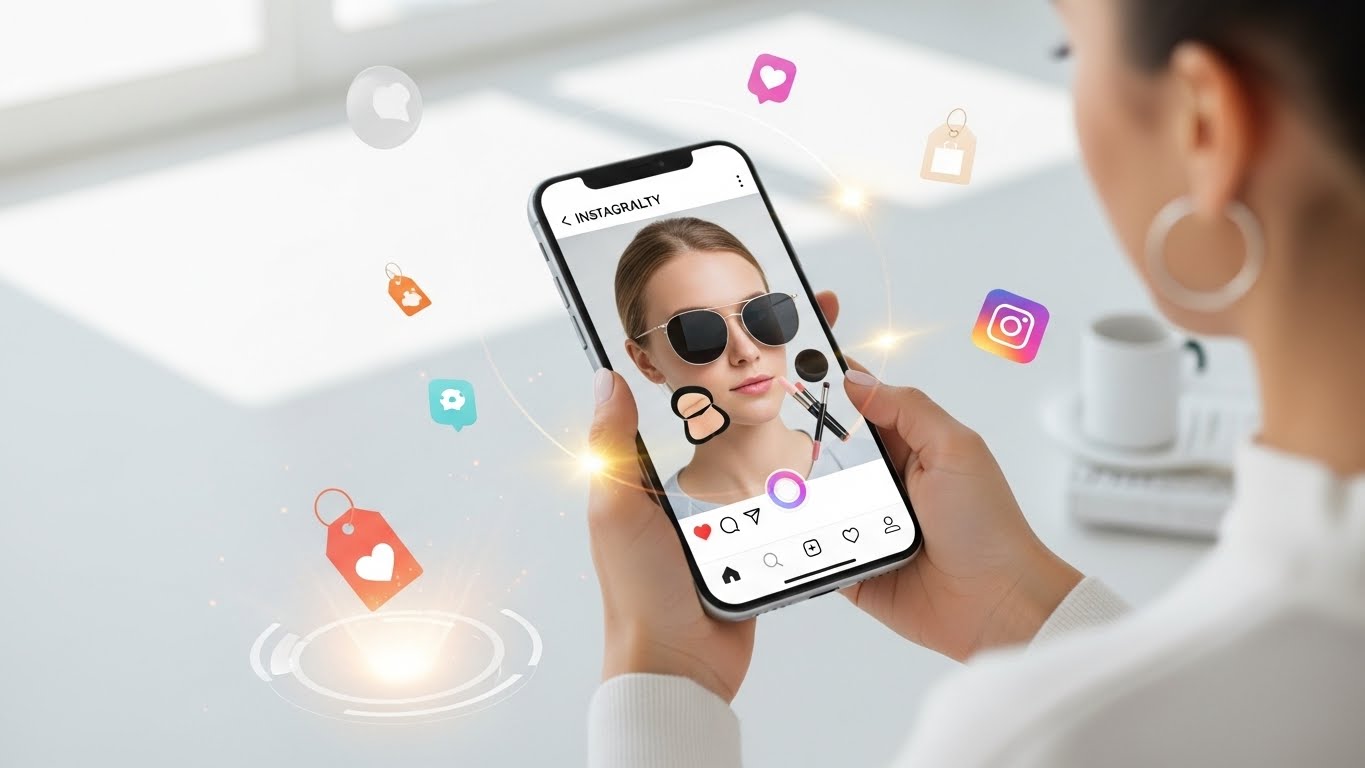
Over the past decade, social media has evolved from a place where people simply shared moments into a powerful ecosystem for discovery, branding, and commerce. Among all platforms, Instagram has positioned itself as a leader in visual storytelling and shopping innovation. One of its most transformative tools is Augmented Reality (AR) Try-On, a feature that allows users to virtually “try” products using their phone’s camera before making a purchase.
Instagram’s AR Try-On feature bridges the gap between online shopping and real-life experience. Instead of imagining how sunglasses might look on your face or how a lipstick shade might complement your skin tone, users can instantly see it in real time. This dramatically reduces uncertainty, increases confidence, and makes shopping more interactive and fun 😍.
In this article, we’ll explore what Instagram’s AR Try-On feature is, how it works, how brands and creators can use it effectively, best practices, technical considerations, marketing strategies, analytics, common mistakes, and the future of AR shopping. Whether you are a small business owner, a digital marketer, a content creator, or simply curious about the technology behind modern social commerce, this guide will give you a complete understanding of how to use Instagram’s AR Try-On feature for products.
1. What Is Instagram’s AR Try-On Feature?
Instagram’s AR Try-On feature uses augmented reality technology to overlay digital products onto the real world through a smartphone camera. Unlike virtual reality, which immerses users in a fully digital environment, AR enhances reality by adding virtual objects to what users already see.
Key Characteristics of AR Try-On
- 📷 Uses the front or rear camera
- 🧠 Tracks facial features or body movement
- 🎨 Displays realistic textures, colors, and lighting
- 🔄 Responds in real time as users move
For example:
- A user can try on sunglasses and tilt their head to see reflections.
- A customer can test makeup shades on different skin tones.
- A shopper can preview how a watch looks on their wrist.
This feature transforms Instagram from a passive browsing platform into an interactive shopping experience.
2. Why AR Try-On Matters for Products
2.1 Consumer Behavior Has Changed
Modern consumers expect:
- Convenience
- Personalization
- Visual confirmation before purchase
AR Try-On meets all three expectations.
2.2 Reduced Purchase Anxiety
One of the biggest barriers in online shopping is uncertainty:
- “Will this look good on me?”
- “Is this the right size or color?”
- “Does this fit my style?”
AR Try-On answers these questions visually, reducing hesitation and increasing conversion rates 📈.
2.3 Stronger Emotional Connection
When users see themselves wearing or using a product, they create an emotional bond with it. This sense of ownership often forms before the purchase, making them more likely to buy.
3. Types of Products That Work Best with AR Try-On
Not all products are ideal for AR Try-On, but many categories benefit greatly.
| Product Category | Why It Works Well | Example |
|---|---|---|
| Makeup 💄 | Color accuracy and face tracking | Lipstick, blush |
| Eyewear 🕶️ | Shape and fit visualization | Sunglasses, glasses |
| Jewelry 💍 | Style preview | Rings, earrings |
| Watches ⌚ | Wrist tracking | Luxury watches |
| Shoes 👟 | Foot placement | Sneakers |
| Hats & Accessories 🎩 | Head tracking | Caps, beanies |
Products that rely heavily on visual appearance and personal style tend to perform best.
4. How Instagram’s AR Try-On Works (Conceptually)
While the technical backend is complex, the user experience is simple.
Core Components
- Face or Body Tracking – Detects facial landmarks or body parts
- 3D Models or Textures – Digital representations of the product
- Lighting Simulation – Matches virtual lighting to real-world conditions
- Real-Time Rendering – Updates instantly as the user moves
The result is a seamless illusion that the product exists in the real world ✨.
5. User Experience: How Customers Use AR Try-On
From a consumer’s perspective, the journey is intuitive.
Step-by-Step User Flow
- User sees a product post, Story, or ad
- Taps “Try It On”
- Camera opens automatically
- Product appears on face/body
- User interacts (smile, turn head, move hand)
- Option to:
- Take a photo
- Record a video
- Share with friends
- Proceed to purchase 🛒
This frictionless flow is a major reason why AR Try-On performs so well.
6. How Brands Can Use Instagram’s AR Try-On Feature
6.1 Product Launches
AR Try-On is perfect for launches because:
- It builds excitement
- It encourages sharing
- It increases time spent with the product
Brands can release AR filters alongside new collections to create buzz 🎉.
6.2 Instagram Ads
AR Try-On ads allow users to test products directly from ads, making them far more interactive than traditional formats.
6.3 Influencer Marketing
Creators can use AR Try-On in Stories or Reels, allowing followers to try the same product instantly.
7. Step-by-Step: How to Set Up AR Try-On for Products (High-Level)
While implementation details vary, the process generally follows these stages.
1. Product Preparation
- High-quality images or 3D models
- Accurate colors and textures
- Clear understanding of how the product fits
2. AR Asset Creation
- Convert products into AR-compatible assets
- Optimize for mobile performance
- Ensure realistic proportions
3. Testing
- Test across different lighting conditions
- Test on different face shapes and skin tones
- Fix alignment or clipping issues
4. Publishing
- Link the AR effect to the product
- Enable it for Stories, ads, and posts
8. Best Practices for Creating Effective AR Try-On Experiences
8.1 Focus on Realism
Users quickly lose trust if the product looks fake. Realistic lighting, shadows, and textures are essential.
8.2 Keep It Lightweight
Heavy AR effects may lag or crash on older devices. Performance matters ⚡.
8.3 Provide Clear CTAs
Use clear calls to action like:
- “Try it now”
- “See how it looks on you”
- “Tap to try”
8.4 Allow Customization
If possible, let users switch colors or styles within the AR experience.
9. Marketing Strategies Using AR Try-On
9.1 Storytelling with AR
Instead of just “trying,” brands can build narratives:
- Before/after transformations
- Day-to-night looks
- Style comparisons
9.2 User-Generated Content (UGC)
Encourage users to:
- Share their AR try-ons
- Tag your brand
- Use branded hashtags
UGC builds trust and organic reach 🌍.
9.3 Limited-Time AR Experiences
Scarcity increases engagement. Limited AR filters can drive urgency.
10. Measuring Success: Metrics That Matter
| Metric | What It Tells You |
|---|---|
| Try-On Rate | Interest level |
| Time Spent | Engagement quality |
| Shares | Virality |
| Click-Through Rate | Purchase intent |
| Conversion Rate | Sales effectiveness |
Analyzing these metrics helps refine future campaigns.
11. Common Mistakes to Avoid
❌ Poor alignment on face or body
❌ Unrealistic colors
❌ Overcomplicated effects
❌ No clear path to purchase
❌ Ignoring accessibility and diversity
Avoiding these mistakes ensures a positive user experience.
12. AR Try-On for Small Businesses
You don’t need to be a global brand to use AR Try-On.
Benefits for Small Brands
- Differentiation
- Higher engagement
- Stronger brand perception
Even simple AR effects can have a big impact when executed well 💡.
13. The Psychological Impact of AR Try-On
AR Try-On taps into powerful psychological triggers:
- Self-identification – “This is me”
- Visualization – Seeing future ownership
- Social validation – Sharing with friends
These factors significantly influence buying decisions.
14. Accessibility and Inclusivity in AR Try-On
Modern AR experiences should consider:
- Different skin tones
- Face shapes
- Cultural preferences
- Lighting conditions
Inclusive design increases reach and brand trust 🤝.
15. Future of Instagram AR Try-On
The future looks exciting:
- More realistic rendering
- Full-body try-ons
- AI-driven recommendations
- Deeper integration with checkout
AR will likely become a standard expectation rather than a novelty 🚀.
Conclusion: Turning Browsers into Buyers
Instagram’s AR Try-On feature is more than a technical gimmick—it’s a powerful bridge between inspiration and action. By allowing users to see products on themselves in real time, brands reduce friction, increase confidence, and create memorable shopping experiences.
Whether you’re launching a beauty brand, selling accessories, or exploring the future of digital commerce, mastering AR Try-On is a strategic advantage. When used thoughtfully, it turns passive scrolling into active participation—and participation into purchases 🛍️✨.
Leave a Reply