
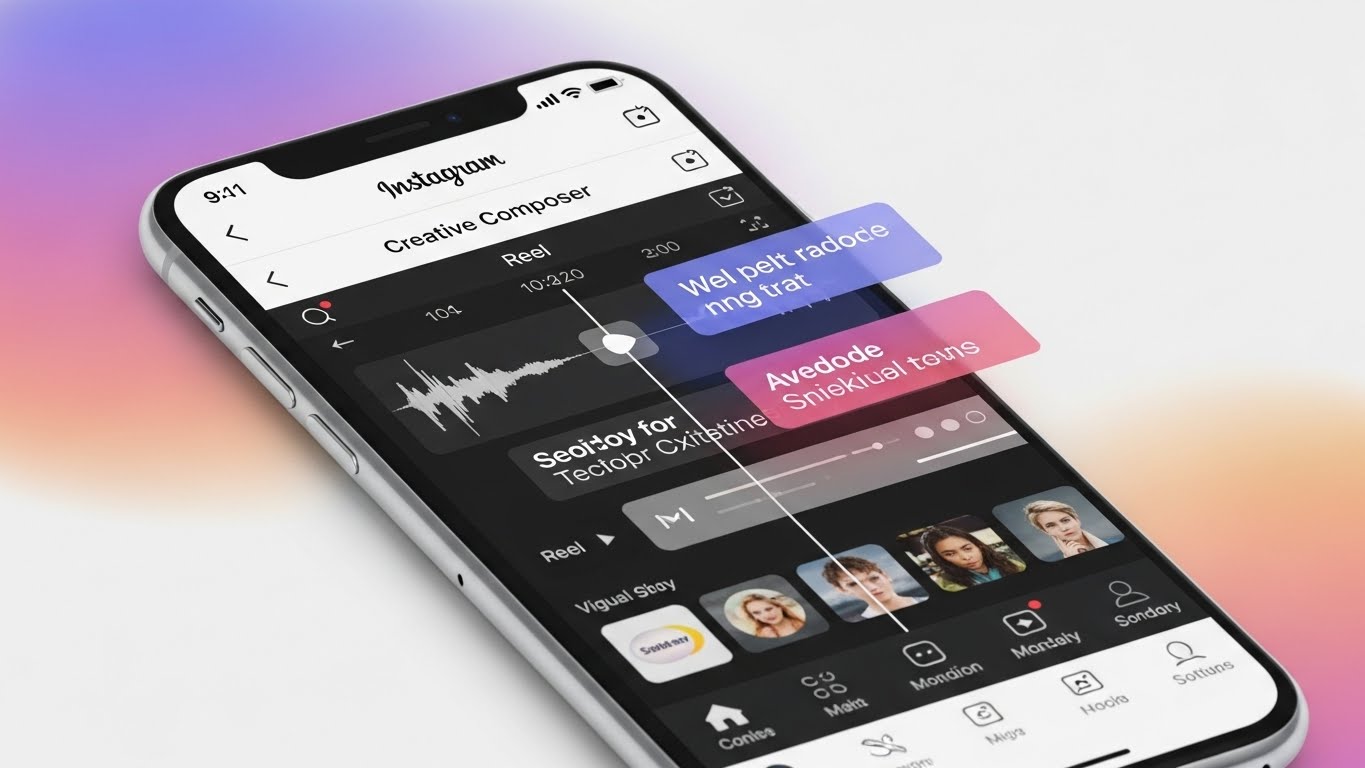
In the ever-evolving world of social media, creativity is no longer optional—it is the primary currency of attention. On Instagram, where billions of photos, videos, and stories compete for a few seconds of user focus, creators need powerful tools that simplify production while enhancing originality. This is exactly where Instagram’s Creative Composer Tool comes into play.
The Creative Composer Tool is designed to streamline content creation by bringing editing, layout, audio, and visual storytelling tools into one cohesive workflow. Whether you are a casual user sharing daily moments, a brand building awareness, or a professional creator monetizing content, mastering this tool can dramatically improve your efficiency and creative impact.
This article is a deep, practical, and strategic guide to using Instagram’s Creative Composer Tool. We will explore:
- What the Creative Composer Tool is and why it matters
- How to access and navigate the interface
- Step-by-step workflows for Reels, Stories, and Posts
- Advanced creative techniques and best practices
- Common mistakes to avoid 🚫
- Performance optimization tips 📈
- Use cases for creators, businesses, and marketers
By the end, you’ll not only know how to use Creative Composer—you’ll understand how to think creatively with it.
What Is Instagram’s Creative Composer Tool? 🎼
The Creative Composer Tool is Instagram’s integrated creation environment, allowing users to plan, assemble, edit, and publish content from a single interface. Instead of jumping between multiple apps for video editing, text overlays, filters, and music, Creative Composer centralizes everything.
Key Goals of Creative Composer
- Reduce friction in the content creation process
- Encourage experimentation with templates and effects
- Standardize quality across content formats
- Boost engagement through native optimization
Instagram actively promotes content created using native tools. This means posts made with Creative Composer often receive algorithmic advantages, such as better reach and discoverability.
Why Creative Composer Matters More Than Ever 🚀
Instagram has shifted from a photo-first platform to a video and storytelling ecosystem. Reels, Stories, carousels, and interactive elements now dominate feeds.
Benefits at a Glance
| Benefit | Why It Matters |
|---|---|
| Native optimization | Better algorithmic visibility |
| Faster production | Less time editing, more time posting |
| Built-in trends | Easy access to viral formats |
| Cross-format support | One tool for Reels, Stories, Posts |
| Beginner-friendly | No advanced editing skills required |
Creative Composer lowers the technical barrier while raising creative potential.
Accessing the Creative Composer Tool 🧭
Step-by-Step Access
- Open the Instagram app
- Tap the “+” (Create) button
- Choose one of the following:
- Post
- Story
- Reel
- You are automatically launched into Creative Composer
There is no separate download or activation—Creative Composer is embedded directly into Instagram’s creation flow.
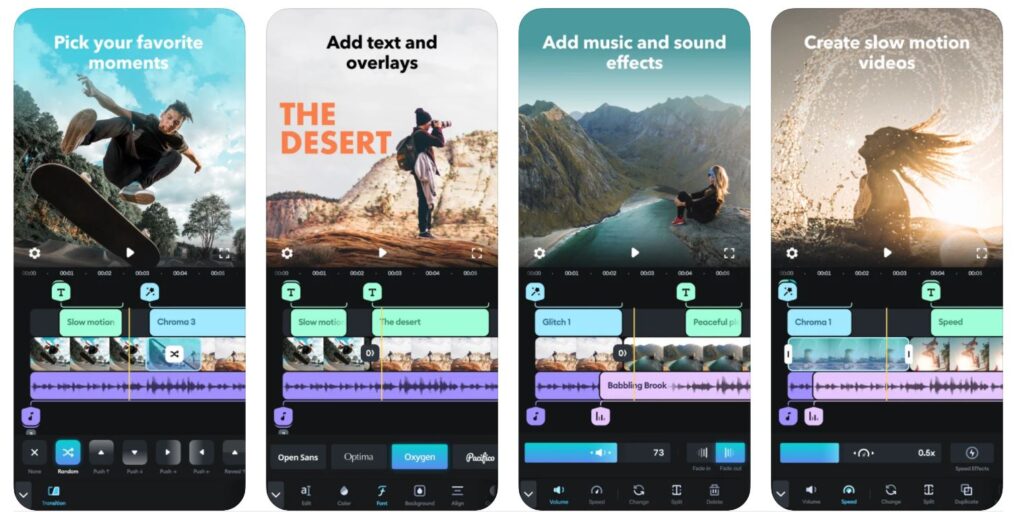
Understanding the Creative Composer Interface 🖥️
Before creating content, it’s essential to understand the layout.
Core Interface Sections
| Section | Function |
|---|---|
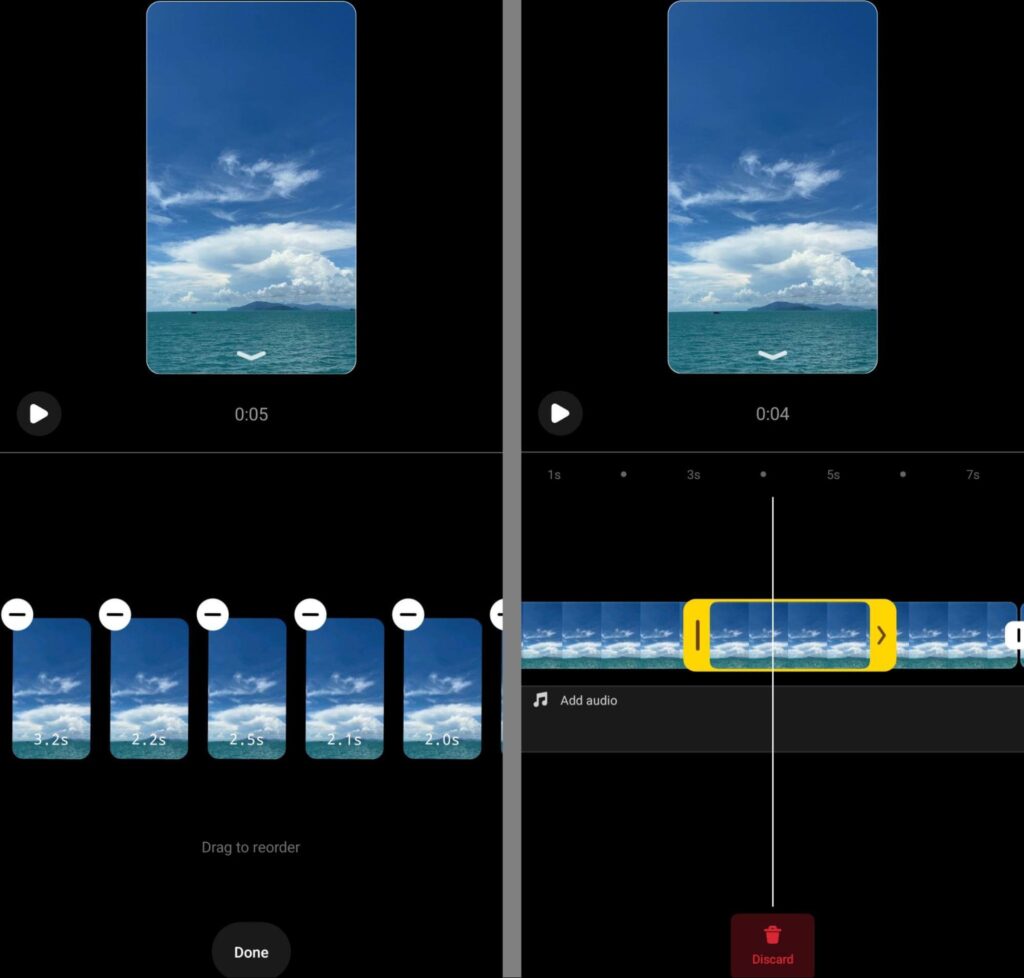
| Media timeline | Arrange clips, images, and transitions |
| Toolbar | Add text, stickers, music, effects |
| Preview window | See your content in real time |
| Audio controls | Select music or original sound |
| Publishing panel | Captions, hashtags, scheduling |
The interface adapts depending on whether you are creating a Reel, Story, or Post.
Creating Content with Creative Composer: Step-by-Step 🎬
Step 1: Choose Your Content Format
Each format serves a different purpose:
- Reels → Discovery & growth
- Stories → Engagement & authenticity
- Posts → Branding & permanence
Choose based on your goal, not just aesthetics.
Step 2: Import or Record Media 📸🎥
You can:
- Record directly inside Creative Composer
- Import photos or videos from your gallery
- Mix multiple clips in one timeline
Pro tip: Vertical (9:16) media performs best.
Step 3: Add Music and Audio 🎶
Music is one of the most powerful engagement drivers on Instagram.
Options include:
- Trending songs
- Original audio
- Voiceovers
- Sound effects
Instagram often boosts content that uses trending audio early.
Step 4: Text, Stickers, and Interactive Elements 💬
Creative Composer offers:
- Animated text styles
- Polls, quizzes, sliders
- Location & hashtag stickers
- Captions with timing control
Timed text keeps viewers watching longer—especially in Reels.
Advanced Creative Composer Techniques 🎨🔥
Layering for Depth
Use:
- Foreground text
- Midground subject
- Background visuals
This adds cinematic depth and visual hierarchy.
Using Templates for Speed ⚡
Templates allow you to:
- Insert your clips into proven structures
- Match beats automatically
- Replicate viral formats
Perfect for:
- Daily posting
- Brands with limited time
- Social media managers
Beat Sync & Timing Precision ⏱️
Creative Composer can auto-sync:
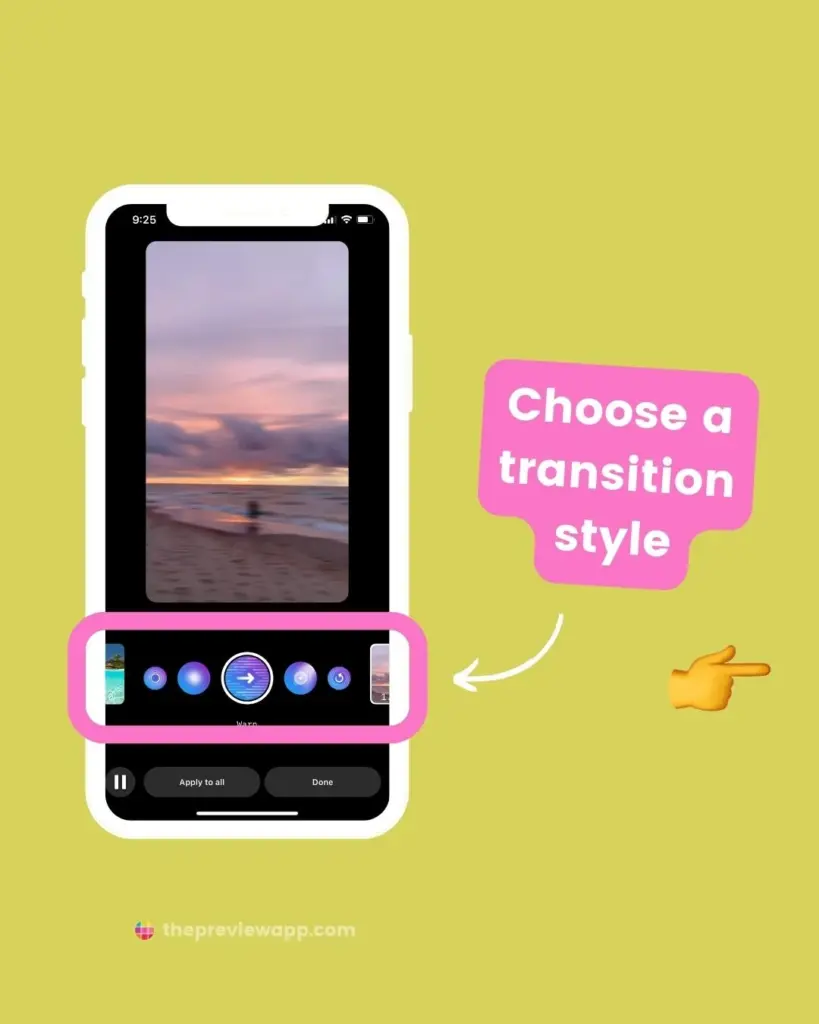
- Clip transitions
- Text animations
- Visual effects
Manual adjustments give more control but require practice.
Best Practices for Maximum Reach 📈
Do This ✅
- Hook viewers in first 2 seconds
- Use captions for silent viewing
- Keep Reels between 7–15 seconds
- Post consistently
- Experiment weekly
Avoid This ❌
- Overusing effects
- Tiny unreadable text
- Horizontal videos
- Reposting watermarked content
- Ignoring analytics
Creative Composer for Businesses 🏢
Businesses can leverage Creative Composer for:
- Product launches
- Tutorials
- Customer testimonials
- Behind-the-scenes content
- Educational micro-content
Business Use Case Table
| Goal | Content Type | Tool Feature |
|---|---|---|
| Awareness | Reels | Trending audio |
| Engagement | Stories | Polls & questions |
| Sales | Posts | Product tagging |
| Trust | Reels | Face-to-camera |
Measuring Performance 📊
After publishing, analyze:
- Reach
- Watch time
- Saves
- Shares
- Profile visits
Instagram favors content that gets shares and saves, not just likes.
Common Mistakes and How to Fix Them 🛠️
| Mistake | Solution |
|---|---|
| Low retention | Shorter clips, stronger hook |
| Poor text visibility | High contrast colors |
| Inconsistent branding | Save text styles |
| Low reach | Use native music |
Future of Creative Composer 🔮
Instagram continues to invest heavily in native creation tools. Expect:
- AI-powered suggestions 🤖
- Auto-caption improvements
- Smarter templates
- Enhanced analytics
- Cross-platform publishing
Creators who master Creative Composer early will stay ahead of the curve.
Final Thoughts 🌟
Instagram’s Creative Composer Tool is not just an editor—it’s a creative ecosystem. It empowers creators to focus less on technical barriers and more on storytelling, emotion, and authenticity.
If you want to grow on Instagram in today’s competitive landscape, learning Creative Composer is not optional—it’s essential.
Consistency + Creativity + Native Tools = Growth 🚀
Leave a Reply