
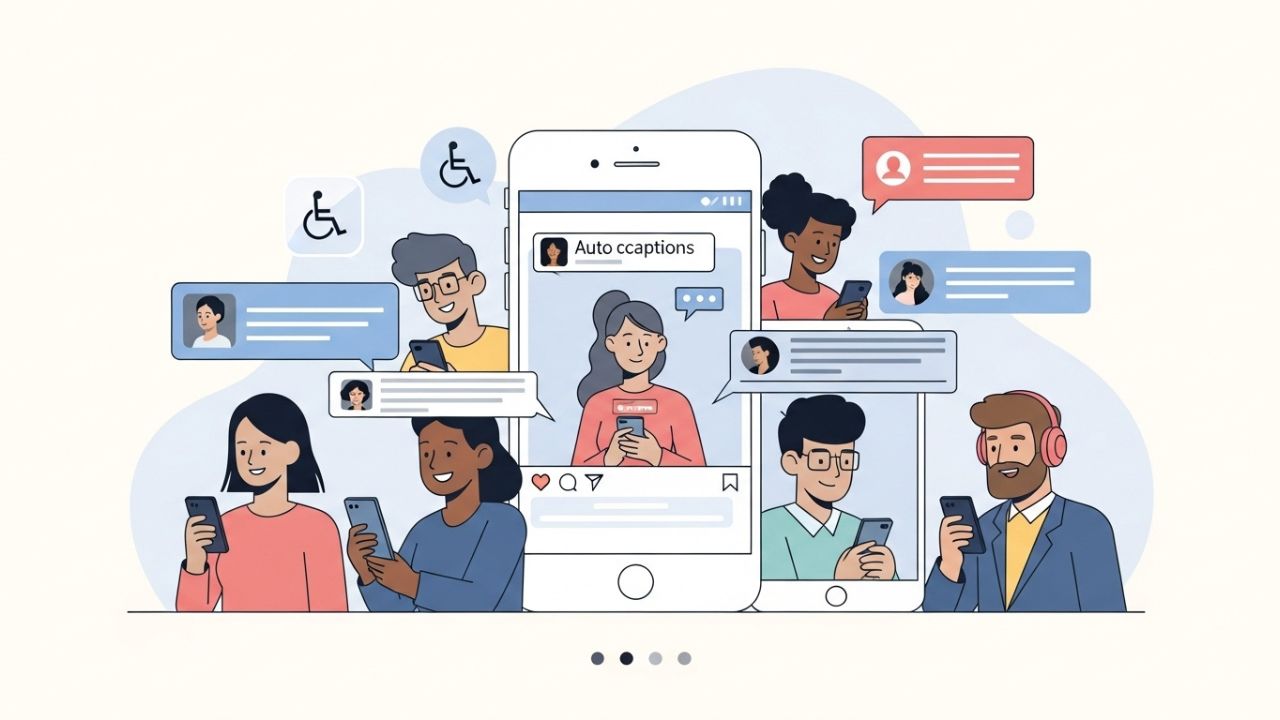
Social media has evolved far beyond a place for selfies, memes, and vacation photos. Platforms like Instagram are now essential tools for communication, education, activism, business, and cultural exchange. With this evolution comes responsibility—especially the responsibility to ensure that content is accessible to everyone, including people with disabilities.
One of the most significant accessibility challenges on Instagram has always been video content without captions. For millions of users who are deaf or hard of hearing, videos without captions are incomplete experiences. For users with auditory processing challenges, non-native speakers, people in noisy environments, or even users casually scrolling with sound off, captions are not just helpful—they are essential.
Instagram’s auto-generated captions are one of the platform’s most impactful accessibility features. When used properly, they dramatically improve inclusivity, comprehension, engagement, and reach. Yet, many creators either don’t use them at all or use them incorrectly.
This article is a deep, practical, and strategic guide to understanding, enabling, optimizing, and ethically using Instagram’s auto-generated captions for accessibility. We’ll go far beyond “how to turn them on” and explore why they matter, how they work, where they fail, and how to combine automation with human care.
If you’re a content creator, brand, educator, social media manager, or simply someone who cares about digital inclusion—this is for you. 💙
Understanding Auto-Generated Captions 🧠
What Are Auto-Generated Captions?
Auto-generated captions are text subtitles created automatically by Instagram using speech recognition technology. When a video contains spoken audio, Instagram analyzes the sound, converts speech into text, and displays that text as captions synchronized with the video.
These captions are generated by machine learning models trained on large volumes of speech data. They are fast, convenient, and constantly improving—but they are not perfect.
Unlike manual captions, auto-generated captions:
- Require no typing
- Appear almost instantly
- Can be toggled on or off
- Depend heavily on audio quality and speech clarity
Why Instagram Introduced Auto-Captions
Instagram introduced auto-generated captions primarily to:
- Improve accessibility for deaf and hard-of-hearing users ♿
- Increase video consumption without sound 🔇
- Boost engagement and watch time 📈
- Align with global accessibility standards and expectations 🌐
Accessibility is not just a “nice-to-have” feature—it’s increasingly recognized as a digital right.
Why Accessibility Matters on Instagram ❤️
Accessibility is often misunderstood as something that benefits “a small group.” In reality, accessible design benefits everyone.
Who Benefits from Captions?
| User Group | How Captions Help |
|---|---|
| Deaf or hard of hearing users | Full access to spoken content |
| Non-native English speakers | Improved comprehension |
| Users in noisy environments | Understand content without sound |
| Users in quiet spaces | Watch videos silently |
| Neurodivergent users | Better processing and retention |
| Algorithm | Increased watch time and engagement |
Accessibility is not limiting—it’s amplifying.
The Emotional Impact of Accessibility 💬
For many users, captions are not just functional. They are emotional validation.
Captions say:
“You are welcome here.”
“This content was made with you in mind.”
“You matter.”
That emotional signal builds trust, loyalty, and respect—something no algorithm can fake.
Where Instagram Uses Auto-Generated Captions 🎥
Instagram auto-generated captions are available in several content formats, though functionality varies.
Supported Content Types
| Content Type | Auto-Captions Available |
|---|---|
| Feed Videos | ✅ Yes |
| Reels | ✅ Yes |
| Stories | ⚠️ Sticker-based captions |
| Live Videos | ⚠️ Limited / inconsistent |
| IGTV (legacy) | ✅ Yes (historically) |
Each format requires slightly different handling, which we’ll explore later.
How to Enable Auto-Generated Captions (Conceptually) ⚙️
While interface steps may evolve, the general logic remains consistent.
Basic Concept
- Upload a video with clear spoken audio 🎙️
- Enable captions in video settings
- Select your language
- Review (if available)
- Publish
Instagram automatically detects speech and displays captions when users enable them on their device or within the video.
How Auto-Generated Captions Actually Work 🤖
Understanding the mechanics helps you work with the system instead of against it.
The Captioning Pipeline
- Audio Capture – Instagram analyzes the audio track
- Speech Recognition – AI converts sound waves to text
- Language Modeling – Context and grammar are inferred
- Time Syncing – Text is aligned with speech timing
- Display Rendering – Captions appear on screen
Each step introduces potential errors—especially with:
- Accents
- Slang
- Fast speech
- Background noise
Common Caption Errors (And Why They Happen) ⚠️
Auto-generated captions are powerful—but imperfect.
Typical Problems
| Issue | Example |
|---|---|
| Misheard words | “accessibility” → “excess ability” |
| Missing punctuation | Long unreadable sentences |
| No speaker identification | Confusing conversations |
| Incorrect names | Brand or personal names distorted |
| No emotional tone | Sarcasm or humor lost |
These errors can reduce accessibility instead of improving it if left unchecked.
Best Practices for Using Auto-Generated Captions 🌟
1. Optimize Your Audio First 🎧
Captions are only as good as the audio.
Do this:
- Use a clear microphone
- Minimize background noise
- Speak at a steady pace
- Avoid overlapping speech
Better audio = better captions.
2. Speak Like a Human, Not a Robot 🗣️
Ironically, captions work best when you speak naturally—but clearly.
Avoid:
- Mumbling
- Talking too fast
- Overusing slang without context
Pauses help the AI separate sentences.
3. Always Review When Possible 👀
If Instagram allows editing or previewing captions:
- Read them carefully
- Fix names and technical terms
- Add punctuation if supported
Even small corrections make a big difference.
4. Combine Auto-Captions with Manual Captions ✍️
Auto-captions are a baseline, not the gold standard.
Best practice:
- Use auto-captions for speed
- Replace or refine with manual captions for accuracy
- Especially for educational or branded content
Accessibility Beyond Captions ♿✨
Captions are powerful—but they are just one part of accessible Instagram content.
Complementary Accessibility Tools
| Feature | Purpose |
|---|---|
| Alt text | Screen reader descriptions |
| High-contrast visuals | Easier readability |
| Simple language | Cognitive accessibility |
| Consistent layouts | Predictability |
True accessibility is holistic, not isolated.
Captions and the Instagram Algorithm 📊
Here’s the good news for creators who care about reach.
Captions can:
- Increase average watch time ⏱️
- Reduce bounce rates
- Improve content comprehension
- Boost shares and saves
The algorithm loves content people actually finish watching.
Accessibility and performance are not opposites—they are allies 🤝.
Ethical Use of Auto-Generated Captions 🧭
Using captions is not just technical—it’s ethical.
What NOT to Do
❌ Assume auto-captions are always accurate
❌ Ignore errors that change meaning
❌ Treat accessibility as a trend
❌ Use captions only when convenient
Accessibility should be intentional, not accidental.
Accessibility for Brands and Businesses 🏢
For businesses, captions are a risk-reduction strategy and a brand value signal.
Benefits for Brands
- Legal risk reduction ⚖️
- Brand trust and loyalty 💼
- Wider audience reach 🌍
- Stronger social responsibility messaging 💙
Accessible brands feel modern, human, and thoughtful.
Captions for Educational Content 🎓
If you teach on Instagram, captions are non-negotiable.
They:
- Improve comprehension
- Enable note-taking
- Help non-native learners
- Support different learning styles
For education, auto-captions should almost always be reviewed and corrected.
Measuring Accessibility Success 📈
Accessibility isn’t just a feeling—you can measure it.
Metrics to Watch
| Metric | Why It Matters |
|---|---|
| Watch time | Indicates comprehension |
| Saves | Learning value |
| Shares | Clarity and usefulness |
| Comments | Engagement depth |
| DMs | Personal impact |
Captions often increase quiet engagement—users who don’t comment but deeply consume.
The Future of Auto-Generated Captions 🔮
We can expect:
- Better accent recognition
- Emotional tone detection
- Speaker identification
- Multilingual caption layers
- Real-time caption editing
Accessibility tech always moves forward—and creators should move with it.
Common Myths About Auto-Captions ❌
| Myth | Reality |
|---|---|
| “Auto-captions are enough” | They’re a starting point |
| “My audience doesn’t need them” | You don’t know who needs them |
| “They ruin aesthetics” | Design can adapt |
| “They’re only for disabilities” | They help everyone |
A Simple Accessibility Workflow 🔄
- Plan accessible content
- Record clean audio
- Enable auto-captions
- Review and correct
- Publish thoughtfully
- Learn from feedback
Accessibility is a process, not a checkbox.
Final Thoughts: Accessibility Is a Creative Advantage 💡
Instagram’s auto-generated captions are not perfect—but they are powerful.
When used thoughtfully, they:
- Expand your audience
- Deepen engagement
- Demonstrate empathy
- Future-proof your content
- Make the internet kinder 🌍
Accessibility is not about doing less.
It’s about doing better.
And captions?
They’re one of the simplest ways to start. 💬💙
Leave a Reply