
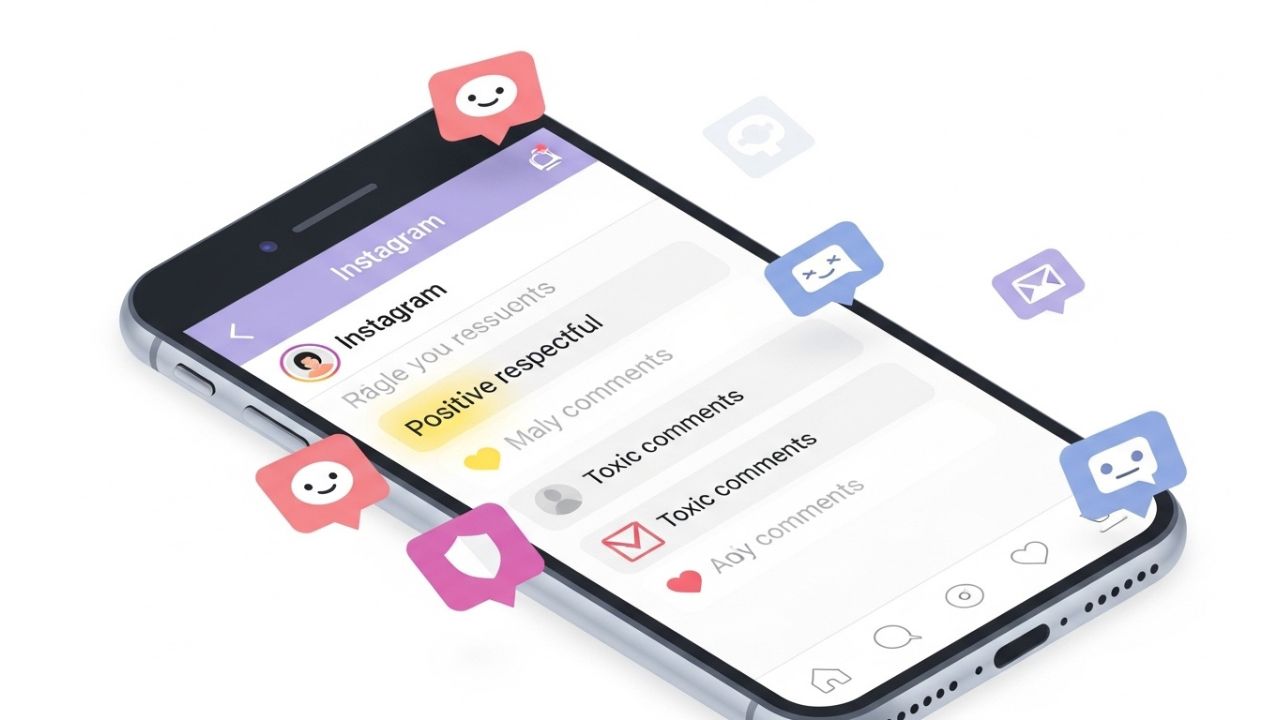
Instagram was once a simple photo-sharing app—a place for sunsets, latte art, and vacation snaps. Today, it’s a global public square. Brands launch products there, activists mobilize movements, creators build careers, and everyday users share deeply personal moments. With that growth has come a darker side: harassment, spam, hate speech, misinformation, and relentless negativity 😔.
Comment sections, in particular, have become battlegrounds. A single post can attract thousands of responses, ranging from thoughtful discussion to outright abuse. For individuals and businesses alike, this can feel overwhelming. Left unmanaged, toxic comments don’t just hurt feelings—they damage mental health, erode trust, and can even drive people off the platform.
Instagram is aware of this challenge, and over the years it has introduced a suite of comment filtering tools designed to help users maintain civility without silencing healthy debate. These tools are powerful, flexible, and—crucially—often underused or misunderstood.
This article is a comprehensive, practical guide to Instagram’s comment filters. We’ll explore how they work, how to configure them thoughtfully, and how to balance moderation with freedom of expression. Whether you’re a casual user, a content creator, or a brand manager, mastering these tools can dramatically improve your Instagram experience ✨.
Understanding Instagram’s Philosophy on Moderation
Before diving into the mechanics, it’s important to understand why Instagram offers comment filters—and what they are not meant to do.
Instagram’s moderation tools are designed to:
- Reduce harassment and abuse 🚫
- Encourage respectful interaction 🤝
- Give users control over their own spaces 🧭
- Support mental well-being 🧠
They are not designed to:
- Eliminate disagreement
- Create echo chambers by default
- Replace human judgment entirely
This philosophy matters because the goal is civility, not silence. Healthy communities thrive on diverse perspectives—but only when those perspectives are expressed respectfully.
The Psychology of Comment Sections 🧩
To use comment filters effectively, it helps to understand why comment sections become toxic in the first place.
Why People Behave Differently Online
- Anonymity & distance reduce empathy
- Algorithmic amplification rewards outrage
- Social signaling encourages performative hostility
- Emotional contagion spreads negativity quickly
When people see uncivil comments, they’re more likely to respond in kind. This creates a feedback loop where toxicity multiplies.
The Role of Moderation
Moderation breaks that loop. By filtering harmful language early, you:
- Set norms for acceptable behavior
- Protect vulnerable users
- Encourage higher-quality engagement
Comment filters are not about controlling people—they’re about shaping the environment 🌍.
Overview of Instagram’s Comment Filtering Tools 🛠️
Instagram offers several layers of comment control. These can be combined or used individually depending on your needs.
Main Comment Filter Categories
| Tool | Purpose | Best For |
|---|---|---|
| Hidden Words (Automatic) | Filters offensive content using AI | General protection |
| Custom Keyword Filters | Blocks specific words or phrases | Targeted moderation |
| Offensive Word Filter | Pre-built offensive language list | Beginners |
| Comment Controls | Limit who can comment | High-risk posts |
| Block & Restrict | Manage specific users | Repeat offenders |
| Allow Comments From | Whitelisting trusted users | Safe spaces |
Each tool serves a different function, and together they form a flexible moderation system.
Automatic Filters: Let Instagram Do the Heavy Lifting 🤖
What Are Automatic Filters?
Automatic filters use machine learning to identify:
- Hate speech
- Bullying
- Profanity
- Spam-like behavior
When enabled, these comments are hidden automatically and placed in a separate review area.
How to Enable Automatic Filters
- Go to Settings
- Tap Privacy
- Select Hidden Words
- Toggle on:
- Hide comments
- Advanced filtering
Once enabled, Instagram continuously updates its detection models behind the scenes.
Strengths of Automatic Filters
- Minimal setup required
- Improves over time
- Works across languages 🌐
- Reduces emotional labor
Limitations
- May miss context (sarcasm, reclaimed slurs)
- Can occasionally hide benign comments
- Not tailored to niche communities
Automatic filters are best seen as a baseline defense, not a complete solution.
Custom Keyword Filters: Precision Moderation 🎯
What Are Custom Keywords?
Custom keyword filters allow you to define exact words, phrases, emojis, or numbers that will trigger comment hiding.
Examples:
- Slurs or insults
- Spam phrases (“DM me”, “crypto deal”)
- Harassment patterns
- Repetitive trolling language
How to Set Them Up
- Go to Settings → Privacy → Hidden Words
- Scroll to Custom Words
- Add keywords separated by commas
Instagram will hide comments containing any of those terms.
Best Practices for Keyword Lists
1. Think in Phrases, Not Just Words
Single words can be ambiguous. Phrases offer more precision.
Bad example:
hate
Better examples:
I hate yougo kill yourself
2. Include Misspellings and Variations
Trolls often intentionally misspell words to bypass filters.
Example:
idiot, idi0t, id1ot
3. Update Regularly
Language evolves. Review your list monthly 🗓️.
Sample Keyword Categories Table
| Category | Examples | Notes |
|---|---|---|
| Harassment | “you’re worthless”, “nobody cares” | Focus on intent |
| Hate Speech | Slurs, coded language | Be thorough |
| Spam | “check my page”, “investment opportunity” | Saves time |
| Sexual Harassment | Explicit phrases | Protects boundaries |
| Personal Attacks | Name-calling patterns | Reduces escalation |
Hidden vs. Deleted: A Subtle but Powerful Difference 👀
One of Instagram’s smartest design choices is hiding comments instead of deleting them.
Why Hiding Works Better
- The commenter doesn’t know they’ve been filtered
- Reduces retaliatory behavior
- Prevents “moderation wars”
- Keeps the peace quietly 🤫
Hidden comments are visible only to:
- The commenter
- The account owner (for review)
This subtlety is key to maintaining civility without drama.
Comment Controls: Who Gets to Speak? 🗣️
Beyond filtering what is said, Instagram lets you control who can say it.
Options Include
- Everyone
- People you follow
- Followers you follow back
- Your followers
- No one
When to Restrict Comments
- During sensitive topics
- After viral growth
- When harassment spikes
- For announcements or memorial posts 🕊️
Strategic restriction isn’t censorship—it’s contextual moderation.
Restrict vs. Block: Understanding the Difference 🚧
Block
- User cannot see or interact with you
- They know something changed
- Best for severe or repeated abuse
Restrict
- Their comments are only visible to them
- Their DMs go to message requests
- They are not notified
Restricting is ideal for:
- Passive-aggressive users
- Attention-seeking trolls
- Family or acquaintances you don’t want to confront 😬
Filtering Emoji and Symbols 😡💣
Emojis are powerful—and often abused.
Examples of problematic emoji usage:
- Repeated 💩 or 🤮
- Weapon emojis in threats
- Sexual emoji spam 🍆🍑
Instagram allows emoji-based filtering in custom keywords.
Pro tip: Filter emoji combinations, not single emojis, to avoid over-filtering harmless expressions 😊.
Managing Filters as a Brand or Creator 🏢🎨
Unique Challenges
- Larger audiences
- Coordinated attacks
- Bots and spam networks
- Reputation risk
Recommended Strategy
- Enable automatic filters
- Maintain a robust custom keyword list
- Assign moderation roles (if applicable)
- Set clear community guidelines 📜
- Review hidden comments daily
Brand Safety Table
| Risk | Tool | Outcome |
|---|---|---|
| Brand harassment | Custom keywords | Reputation protection |
| Spam flooding | Automatic filters | Cleaner comments |
| PR crises | Comment restrictions | Damage control |
| Troll baiting | Restrict users | De-escalation |
Mental Health Benefits of Comment Filtering 🧠💚
Unchecked negativity has real consequences:
- Anxiety
- Burnout
- Self-censorship
- Reduced creativity
Comment filters:
- Reduce emotional labor
- Create psychological safety
- Encourage posting consistency
- Improve long-term engagement
For creators especially, moderation is self-care, not weakness.
Avoiding Over-Moderation: Keeping Dialogue Alive ⚖️
Too much filtering can:
- Suppress legitimate criticism
- Alienate followers
- Create echo chambers
How to Stay Balanced
- Review hidden comments periodically
- Whitelist constructive critics
- Respond calmly to dissent
- Allow disagreement, not disrespect
Civility thrives where standards are clear and fairly enforced.
Building a Culture of Respect (Beyond Filters) 🌍
Filters are tools—but culture is built through behavior.
Lead by Example
- Respond respectfully
- Pin thoughtful comments
- Thank constructive feedback 🙏
Set Expectations
- Add community guidelines to your bio
- Mention moderation policies in captions
- Be consistent
When users know the rules, most will follow them.
Common Mistakes to Avoid ❌
- Relying only on automatic filters
- Never updating keyword lists
- Blocking too aggressively
- Ignoring hidden comments forever
- Using filters as a substitute for engagement
Moderation works best when it’s intentional and adaptive.
Future of Comment Moderation on Instagram 🔮
While we won’t speculate on specifics, trends suggest:
- Smarter AI understanding context
- More granular controls
- Better creator moderation dashboards
- Increased focus on well-being
Learning today’s tools prepares you for tomorrow’s platform.
Conclusion: Civility Is a Choice—and a Practice 🌱
Instagram’s comment filters are not about silencing voices. They are about protecting spaces—your space, your audience’s space, and your own mental health.
When used thoughtfully, these tools:
- Reduce harm
- Encourage meaningful conversation
- Empower users
- Strengthen communities
Civility doesn’t happen by accident. It’s designed, maintained, and defended—one comment filter at a time 💬✨.
By mastering Instagram’s comment filters, you’re not just moderating comments. You’re shaping the kind of digital world you want to participate in.
Leave a Reply