
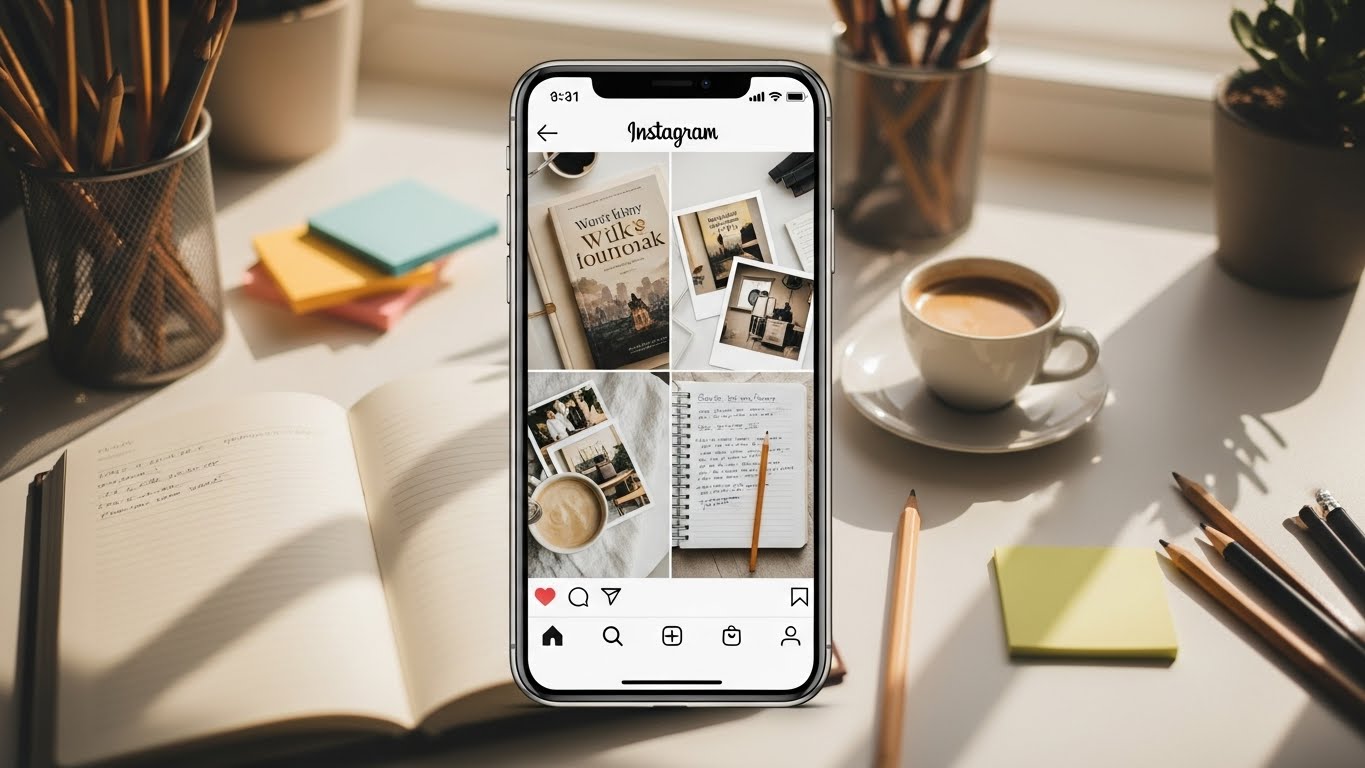
In the evolving world of publishing, authors need more than strong writing skills—they need audience engagement, visibility, and brand presence. Instagram remains one of the most powerful platforms for creating human connection and showing readers the person behind the book. With features like Reels, Carousels, and Stories, authors have more creative tools than ever to craft dynamic content.
Among the newest and most exciting additions is Instagram’s Collage Sticker—a feature that allows users to add multiple photos to a single Story without using external apps. This native tool offers endless opportunities for authors to showcase their work, their writing process, their events, and their reader community in visually engaging ways.
This article will teach you everything authors need to know about Instagram’s Collage Sticker—how it works, why it matters, and creative strategies to maximize it.
Let’s dive into how to make your Stories more compelling, aesthetic, and bookishly irresistible. 📚✨
1. What is Instagram’s Collage Sticker?
Instagram’s Collage Sticker is a built-in Story tool that allows users to:
- Add multiple photos onto a single Story slide
- Resize and rearrange images freely
- Layer images aesthetically
- Create scrapbook-style visuals
- Integrate images without leaving Instagram to use third-party collage apps
Unlike traditional multi-photo layouts, the Collage Sticker allows creative freedom—you can place photos anywhere, overlap them, rotate them, or shrink them into miniature decorations.
For authors, this means you can create:
- Moodboards for your book
- Collections of review screenshots
- Multi-angle book photography
- Event highlight boards
- Character boards
- Writing progress snapshots
- Reading wrap-ups
- Cover reveal collages
The tool gives authors the ability to communicate storytelling visually—which plays beautifully into the Instagram ecosystem.
2. Why Authors Should Use It
The Collage Sticker does more than make things pretty.
Benefits for authors:
⭐ 1. Shows Personality and Aesthetic
Readers want to know your world. A collage shows the vibe of your brand, your writing style, and your genre.
⭐ 2. Increases Story Engagement
More visual variety means viewers stay on your Story longer.
⭐ 3. Great for Book Promotion
Instead of spamming multiple slides, you can pack related images into one cohesive Story.
⭐ 4. Saves Time
No need to open Canva or another app.
⭐ 5. Helps with Community Building
You can share fan art, photos from readers, and Bookstagram features all in one place.
⭐ 6. Enhances Professionalism
Intentional, aesthetic visuals look more polished and curated—key for author branding in today’s digital market.
3. How to Use Instagram’s Collage Sticker (Step-by-Step)
Below is an easy walkthrough even for tech-shy authors.
Step 1: Open Instagram Stories
- Tap the + icon
- Select Story
- Choose a background (photo or solid color)
Tip: For clean collages, many authors start with a neutral background.
Step 2: Open the Sticker Menu
- Tap the Sticker icon (square smiley face on top)
You’ll see a list of options—GIFs, music, polls, question boxes, and more.
Step 3: Select the “Add Photo” or “Collage Sticker”
Depending on your app version, the option appears as:
- “Add Photo”
- “Photo Sticker”
- A small preview of your gallery
Tap it.
Step 4: Add Your First Photo
Select any photo from your camera roll.
Common author choices:
📕 Book cover
📝 Writing notes
📸 Author photos
🎤 Event snapshots
📱 Screenshots of reviews
Step 5: Add More Photos
Tap the sticker icon again → Add Photo → Continue selecting.
You can add an unlimited number of photos.
Step 6: Arrange Your Collage
Here’s the fun part:
- Pinch to resize
- Drag to reposition
- Rotate with two fingers
- Layer photos on top of each other
- Crop using the “Shape” options (hearts, circles, stars, etc.)
Many authors enjoy creating scrapbook-style boards with overlapping images, a bit like storyboarding a movie.
Step 7: Add Text, GIFs, or Background Decorations
Enhance your collage with:
- Annotations
- Quotes from your book
- Writing updates
- Doodles
- Stickers
- Genre-themed GIFs (fantasy sparkles, typewriter GIF, dark academia)
Step 8: Tag Relevant Accounts
Absolutely essential for authors:
📚 Tag your publisher
📚 Tag Bookstagrammers who featured your book
📚 Tag bookstores
📚 Tag event partners
📚 Tag readers who shared your book
This boosts reach and visibility.
Step 9: Post Your Story
And you’re done!
You now have a beautiful collage Story that stands out from the rest.
4. Creative Ways for Authors to Use the Collage Sticker
This section offers specific ideas with examples tailored for authors of all genres.
A. Book Review Round-Ups
Collect 3–8 screenshots of reviews and arrange them visually.
Possible structure:
- Large review in center
- Smaller ones around it
- Add a “⭐⭐⭐⭐⭐” sticker
- Add text: “Thank you readers!”
Great for boosting social proof.
B. Aesthetic Moodboards for Your Novel
Perfect for fiction authors.
Use images representing:
🏞️ Setting
👫 Characters
🌒 Mood
🎭 Themes
📜 Historical inspirations
🕯️ Vibes (dark academia, cottagecore, cyberpunk, nautical, etc.)
Readers LOVE moodboards—they make your book feel cinematic.
C. Launch Day Collage
Document your big day:
- Book in bookstores
- You signing copies
- Cake / celebration pics
- Launch team photos
- Behind-the-scenes moments
All in one cohesive Story.
D. Writing Progress Updates
Add images like:
🖋️ Notebook
📊 Word count screenshot
☕ Coffee shop photo
✍️ Manuscript pages
💡Brainstorm sketches
Fans enjoy watching your journey from idea to publication.
E. Character Boards (Big on BookTok + Bookstagram)
Include:
- Actor inspirations
- Clothing
- Weapons
- Quirks
- Settings associated with character
- Personality markers (INTJ memes, cottagecore aesthetic, villain energy, etc.)
F. Event Summaries
If you attend:
📖 Book signings
🎤 Panels
🎓 Workshops
🤝 Meet-and-greets
📚 Conferences
Make a fast collage recap!
Tag:
- Other authors
- Bookstores
- Librarians
- Conferences
- Readers
- Book clubs
G. Fan Appreciation Collages
Readers LOVE being featured.
Collect fan art, photos, or quotes from messages.
Add text like:
“Thank you for reading!”
or
“You made my day ❤️”
H. Before & After Cover Reveal
Use the collage to show:
- Teaser silhouettes
- Draft covers
- Final design
- Color variations
- Mood references
I. Behind-the-Scenes Writing Life
Show your desk, typewriter, documents, bookmarks, coffee setups, planners, etc.
Readers adore peeking behind the curtain of the writing world.
5. Design Tips for Professional-Looking Collages
Here are tips to elevate your collages so they look cohesive and stylish—like a book aesthetic rather than a chaotic mess.
Tip 1: Stick to a Color Palette
Authors often choose palettes that match their genre:
| Genre | Suggested Aesthetics |
|---|---|
| Romance ❤️ | Soft pinks, neutrals, warm tones |
| Fantasy 🐉 | Jewel tones, gold, deep purples |
| Thriller 🔪 | Blacks, reds, sharp contrast |
| Sci-Fi 🚀 | Neon blues, metallics, grayscale |
| Historical 🕰️ | Sepia, muted colors |
| YA ✨ | Pastels, bright pops of color |
Tip 2: Mix Big + Small Photos
Avoid uniform sizing—it looks too grid-like.
Make some photos:
- Large and dominant
- Miniature and cute
- Overlapping
This gives a handmade scrapbook vibe.
Tip 3: Add White Space
Don’t crowd the frame.
Breathing room feels modern and aesthetic.
Tip 4: Use Circular or Heart Crops for Variety
Circular images highlight special elements like:
- A quote
- A character
- A detail from your book cover
Tip 5: Avoid Overusing GIFs
One or two GIFs = cute
Ten GIFs = chaotic
Your book’s visual aesthetic should shine, not be covered in sparkles (unless that’s your vibe ✨).
Tip 6: Use Handwritten Fonts for Personality
Add short notes:
“Writing today!”
“New review arrived 😭❤️”
“Cover inspiration ✨”
These create intimacy with your audience.
6. Example Author Collage Layouts
Below are three examples you can use as templates.
📚 Layout 1: The Review Wall
| Position | Image |
|---|---|
| Center | Large 5-star review |
| Sides | Medium-sized screenshots |
| Bottom | Two mini reviews |
| Extras | “Thank you readers” text / star GIF |
🖋️ Layout 2: Writing Progress Board
| Section | Image |
|---|---|
| Top left | Laptop + manuscript |
| Center | Word count screenshot |
| Top right | Coffee mug |
| Bottom | Notes, doodles, plot outline |
| Corner | Small selfie or book photo |
🌙 Layout 3: Character Aesthetic Board
| Element | Image |
|---|---|
| Core | Actor inspiration (center) |
| Surrounding | Clothing |
| Decoration | Sparkles |
7. Mistakes Authors Should Avoid
Even authors with great aesthetics can fall into these traps:
❌ Using low-quality screenshots
❌ Placing text on top of text (unreadable)
❌ Cluttering with too many photos
❌ Not tagging relevant accounts
❌ Overusing filters
❌ Ignoring brand consistency
❌ Posting without a call-to-action
8. How to Keep Your Collages On-Brand as an Author
Your Instagram is part of your author brand, so your collages should match your:
- Genre
- Vibe
- Target audience
- Personality
Branding Checklist for Authors
☑ Color palette
☑ Fonts
☑ Repeating graphic elements
☑ Tone of text (e.g., cozy, mysterious, witty)
☑ Use of emojis
☑ Photography consistency
☑ Book theme references
If your book is dark academia, your collages might include:
📚 Old books
🕯️ Candles
🍂 Browns & golds
🎻 Classical music GIFs
If your brand is rom-com:
🌸 Pastel colors
💖 Cute hearts
📖 Bookstore dates
🌼 Bright happy vibes
Consistency = Recognition.
9. Advanced Ideas for Authors Using Collage Stickers
Let’s go deeper with next-level creativity:
A. Create “Instagram Story Zines”
Tell a narrative across 5–10 Stories with collage visuals.
Great for:
- Worldbuilding
- Character intros
- Writing diaries
- Reader Q&A features
B. Make “Swipe Up Alternatives”
Since many authors don’t have link privileges, use collages:
- Add screenshots of your Amazon page
- Add QR codes
- Add short URLs
- Add annotated arrows pointing to “Link in bio”
C. Visual Book Trailers (Static Version)
Build a sequence:
- Mood image
- Character portrait
- Quote
- Setting
- Book cover
Use collage stickers to create dynamic frames.
D. Recreate an Aesthetic from Your Book
Example aesthetics:
- Gothic
- Space opera
- Regency ballroom
- Cozy cabin
- High fantasy forest
Each slide becomes a visual chapter.
E. Reader Participation Collage
Ask your audience:
“Send me a photo of where you’re reading my book!”
Compile the results into a collage Story.
Readers feel valued. Engagement skyrockets.
10. A Full Example Story Sequence for Authors
Here’s a full mock storyline using Collage Stickers to promote a book release:
Slide 1: Moodboard
- Forest image
- Character aesthetic
- Weapon
- Color palette swatches
- Quote: “Magic always has a price.”
Slide 2: Book Cover Collage
- Cover front
- Spine
- Back
- Zoomed-in details
- Sticker: “Out now!”
Slide 3: Book Review Board
- Screenshots of early reviews
- Text: “Thank you ARC team!”
Slide 4: Behind-the-Scenes
- Draft pages
- Cut content
- Scrivener screenshot
- Notes
Slide 5: Call to Action
- Photo of book on shelf
- Arrow to “Link in bio”
- Gif of sparkles
11. Table: Best Uses of the Collage Sticker for Authors
| Purpose | Type of Images | Benefit |
|---|---|---|
| Book Launch | Cover, event photos, reviews | Boost visibility |
| Writing Progress | Screenshots, desk setup | Builds connection |
| Moodboards | Aesthetic inspiration pics | Strengthens brand |
| Events | Photos with readers/authors | Networking & reach |
| Fan Features | Reader photos, fan art | Community building |
| Character Boards | Actor refs, objects | Immersive storytelling |
12. Final Tips for Maximum Reach
To get the most out of your collage Stories:
🌟 Post consistently
🌟 Add relevant hashtags
🌟 Save collages into Highlights
🌟 Use a mix of photos + text
🌟 Engage with viewers who reply
🌟 Combine collages with Reels for maximum exposure
With thoughtful use, Collage Stickers can become one of your best tools for worldbuilding, brand growth, and reader engagement.
Conclusion
Instagram’s Collage Sticker empowers authors to bring their storytelling visuals to life—without needing design software or advanced skills. Whether you’re promoting your latest novel, highlighting reviews, sharing your writing journey, or connecting with readers, this simple tool helps you create dynamic, beautiful Stories that stand out.
As an author, your job is not just to write stories—but to visually narrate your creative world. Instagram’s Collage Sticker offers the perfect way to do exactly that.
Take advantage of it, experiment with layouts, and build a visual identity your readers will love. 📚✨
Leave a Reply