
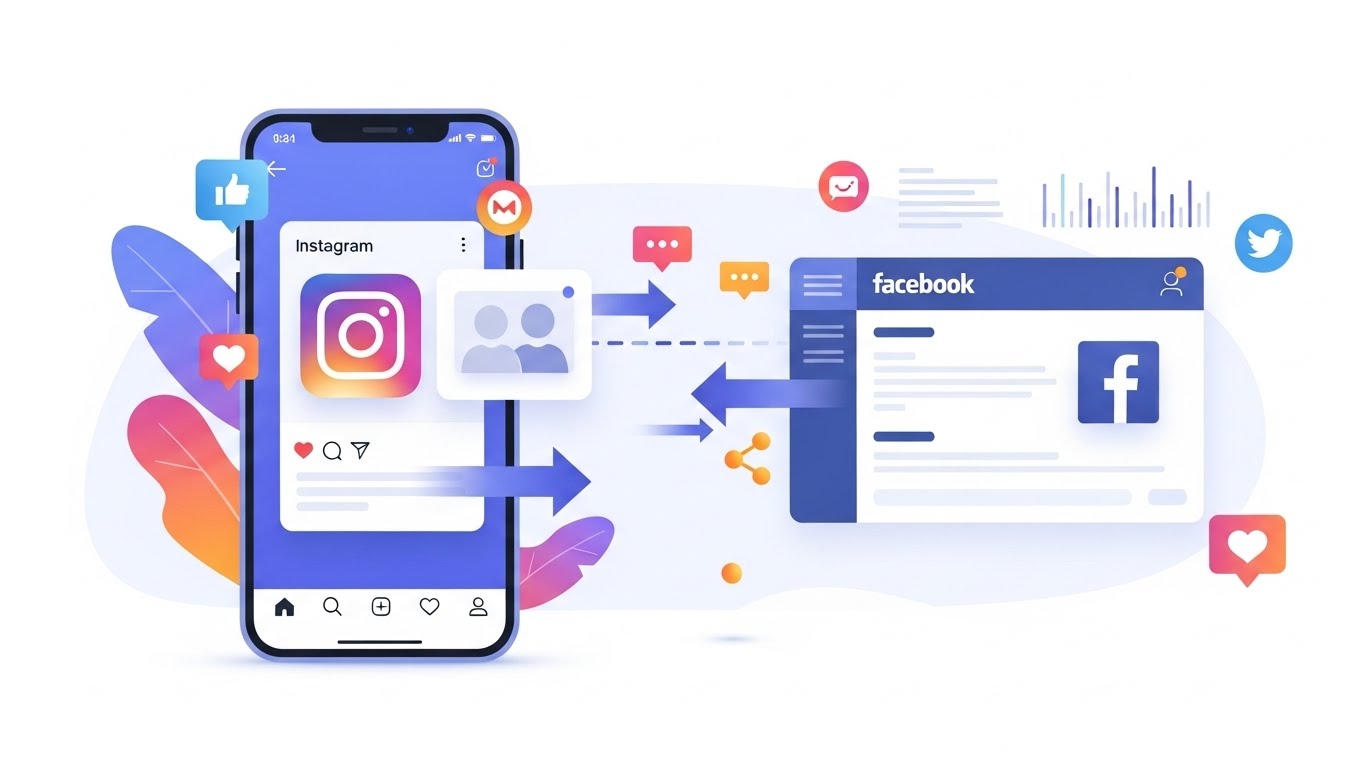
In today’s hyper-connected digital world, social media platforms are no longer isolated islands. Instead, they are deeply interconnected ecosystems designed to keep users engaged, content flowing, and brands visible across multiple touchpoints. Among these integrations, one of the most powerful and accessible features for creators, businesses, and marketers is Instagram’s cross-posting with Facebook.
Cross-posting allows you to publish content once on Instagram and automatically share it to Facebook. At first glance, this may seem like a simple time-saving trick. In reality, it is a strategic tool that can significantly improve reach, consistency, efficiency, and brand recognition when used correctly. 🌍✨
This article is a complete, in-depth guide on how to use Instagram’s cross-posting with Facebook. We will explore not only how to set it up, but also why, when, and how to optimize it for different goals—whether you are a content creator, small business owner, social media manager, or entrepreneur.
By the end of this guide, you will understand:
- What Instagram–Facebook cross-posting really is
- How to configure it step by step
- The benefits and limitations of cross-posting
- Best practices for captions, hashtags, and formats
- Common mistakes to avoid
- Strategic use cases for businesses and creators
Let’s dive in. 🏊♂️📲
1. Understanding Instagram–Facebook Cross-Posting
1.1 What Is Cross-Posting?
Cross-posting is the process of publishing the same content across multiple platforms simultaneously. In the case of Instagram and Facebook, both platforms are owned by Meta, which allows them to share infrastructure, data, and publishing tools.
When you enable cross-posting:
- A post created on Instagram can automatically appear on your connected Facebook Page or profile
- The media (image, video, or carousel) remains the same
- The caption is usually copied, with minor formatting differences
This integration applies to:
- Feed posts
- Reels
- Stories (with some limitations)
Cross-posting does not mean identical performance across platforms. Each platform has its own algorithm, audience behavior, and engagement patterns. Understanding this difference is crucial for effective use. 🧠📊
1.2 Why Meta Encourages Cross-Posting
Meta benefits when users stay within its ecosystem. By encouraging cross-posting, Meta:
- Increases content volume on Facebook
- Reduces friction for creators
- Encourages advertisers to manage everything in one place
For users, the benefits are practical and strategic, especially for those managing multiple pages or brands. 💼🔥
2. Benefits of Cross-Posting from Instagram to Facebook
Cross-posting is not just about convenience. Below are the core benefits explained in detail.
2.1 Time Efficiency ⏱️
Managing social media can be time-consuming. Cross-posting allows you to:
- Create one piece of content instead of two
- Reduce scheduling and publishing time
- Focus more on strategy and engagement
For small teams or solo creators, this efficiency can be transformative.
2.2 Expanded Reach 📈
Instagram and Facebook audiences overlap, but they are not identical. Cross-posting allows you to:
- Reach users who are active on Facebook but not Instagram
- Reinforce your message across platforms
- Increase total impressions
This is particularly useful for:
- Local businesses
- Older demographics
- Community-driven brands
2.3 Brand Consistency 🎯
Consistency builds trust. Cross-posting ensures:
- Unified messaging
- Consistent visual identity
- Regular posting cadence
When users see the same brand voice across platforms, it strengthens brand recognition.
2.4 Simplified Analytics 📊
When using Meta’s tools, cross-posting allows you to:
- Compare performance across platforms
- Identify which content works best where
- Adjust strategy based on real data
3. Requirements Before You Start
Before enabling cross-posting, make sure you meet the following requirements.
3.1 Account Types
To cross-post effectively, you need:
- An Instagram Professional Account (Creator or Business)
- A Facebook Page (not just a personal profile)
Personal Instagram accounts have limited cross-posting options.
3.2 Account Connection 🔗
Your Instagram account must be connected to your Facebook Page via Meta’s Account Center.
This connection allows:
- Content sharing
- Insights synchronization
- Ad account integration
3.3 Permissions and Roles
On Facebook, ensure you have:
- Admin or Editor access to the Page
Without proper permissions, cross-posting will fail silently or not appear as an option.
4. Step-by-Step: How to Enable Instagram Cross-Posting with Facebook
4.1 Connecting Instagram to Facebook
Step 1: Open Instagram and go to your profile
Step 2: Tap the menu (☰) and select Settings and privacy
Step 3: Go to Accounts Center
Step 4: Add or confirm your Facebook account
Step 5: Choose the Facebook Page you want to connect
Once connected, Instagram will recognize Facebook as a publishing destination. ✅
4.2 Enabling Automatic Cross-Posting
For Feed Posts:
- Go to Instagram Settings
- Select Sharing and remixes
- Enable Share to Facebook
For Reels:
- Enable Reels sharing separately
- Choose whether to share all Reels automatically
You can also toggle cross-posting on or off per post during publishing.
5. Cross-Posting Different Content Types
5.1 Feed Posts 🖼️
Feed posts are the easiest to cross-post.
Best Practices:
- Keep captions concise
- Avoid Instagram-only references like “link in bio”
- Use universal calls to action
5.2 Reels 🎬
Reels perform well on both platforms but differently.
Key Considerations:
- Facebook Reels often reach a broader but less niche audience
- Music licensing may differ
- Text overlays should be readable without sound
5.3 Stories ⏳
Instagram Stories can be shared to Facebook Stories.
Limitations:
- Interactive stickers may not transfer
- Polls and questions may lose functionality
5.4 Carousels and Videos
Most carousel posts cross-post well, but:
- Facebook may display them differently
- Aspect ratios can change
Always preview before publishing.
6. Caption Strategy for Cross-Posting ✍️
Writing captions for two platforms at once requires balance.
6.1 Universal Caption Structure
A strong cross-platform caption includes:
- A compelling hook
- Clear value or message
- A simple call to action
6.2 Hashtags: Instagram vs Facebook
| Platform | Hashtag Impact | Recommended Amount |
|---|---|---|
| High | 5–15 | |
| Low | 0–5 |
Tip: Use fewer, more relevant hashtags when cross-posting.
6.3 Emojis and Formatting 😄
Emojis work well on both platforms, but moderation is key.
Good Uses:
- Bullet points
- Emotional emphasis
- Visual breaks
7. Algorithm Differences You Must Understand
7.1 Instagram Algorithm
Instagram prioritizes:
- Engagement speed
- Saves and shares
- Relationship with the user
7.2 Facebook Algorithm
Facebook prioritizes:
- Meaningful interactions
- Comments and shares
- Content that keeps users on the platform
7.3 What This Means for Cross-Posting
The same post may:
- Go viral on Instagram
- Perform moderately on Facebook
This is normal and should inform your expectations. 📉📈
8. When You Should NOT Cross-Post ❌
Cross-posting is powerful, but not always ideal.
Avoid cross-posting when:
- Content relies heavily on Instagram-specific features
- You are testing platform-specific messaging
- Your Facebook audience is very different
Strategic omission is as important as consistency.
9. Business Use Cases for Cross-Posting
9.1 Small Businesses 🏪
Benefits include:
- Local reach expansion
- Event promotion
- Customer trust
9.2 Content Creators 🎨
Creators can:
- Repurpose content efficiently
- Grow audiences faster
- Monetize across platforms
9.3 E-commerce Brands 🛒
Cross-posting supports:
- Product launches
- Retargeting ads
- Social proof
10. Common Mistakes to Avoid ⚠️
- Overusing hashtags
- Ignoring comments on Facebook
- Posting without previewing
- Assuming equal performance
- Forgetting platform culture
Awareness of these mistakes can dramatically improve results.
11. Measuring Success and Optimization 📊
Track:
- Reach
- Engagement
- Click-throughs
- Follower growth
Adjust based on:
- Platform-specific insights
- Posting times
- Content formats
12. Future of Cross-Posting in the Meta Ecosystem 🔮
Cross-posting is evolving toward:
- AI-assisted optimization
- Smarter audience targeting
- Deeper analytics integration
Understanding these trends early gives you a competitive edge.
Conclusion: Use Cross-Posting Strategically, Not Blindly
Instagram’s cross-posting with Facebook is one of the most underrated tools in modern social media marketing. When used thoughtfully, it can save time, expand reach, and strengthen your brand. When used blindly, it can dilute your message.
The key takeaway is simple:
Cross-post with intention, optimize with data, and always respect the uniqueness of each platform. 💡📱
With the strategies outlined in this guide, you are now equipped to use Instagram–Facebook cross-posting not just as a convenience feature, but as a powerful growth engine.
Leave a Reply