
Instagram has become one of the most powerful platforms for brands, creators, educators, influencers, and everyday users who want to communicate visually and interactively. Over the years, Instagram Stories have evolved from simple image posts into a dynamic toolkit that supports polls, quizzes, questions, music, GIFs, and interactive stickers.
Among these features, one of the most fun, expressive, and user-friendly tools is the Emoji Slider. Despite looking simple, this tiny sliding scale can generate high engagement, quick emotional feedback, and useful insights from your audience.
This article is a comprehensive, high-depth guide on how to use Instagram’s Emoji Slider for feedback, including psychology, strategy, design, analytics, best practices, mistakes to avoid, real-world use cases, and content ideas. It includes tables, examples, and emojis to make everything practical and easy to apply.
🌟 1. What Is Instagram’s Emoji Slider?
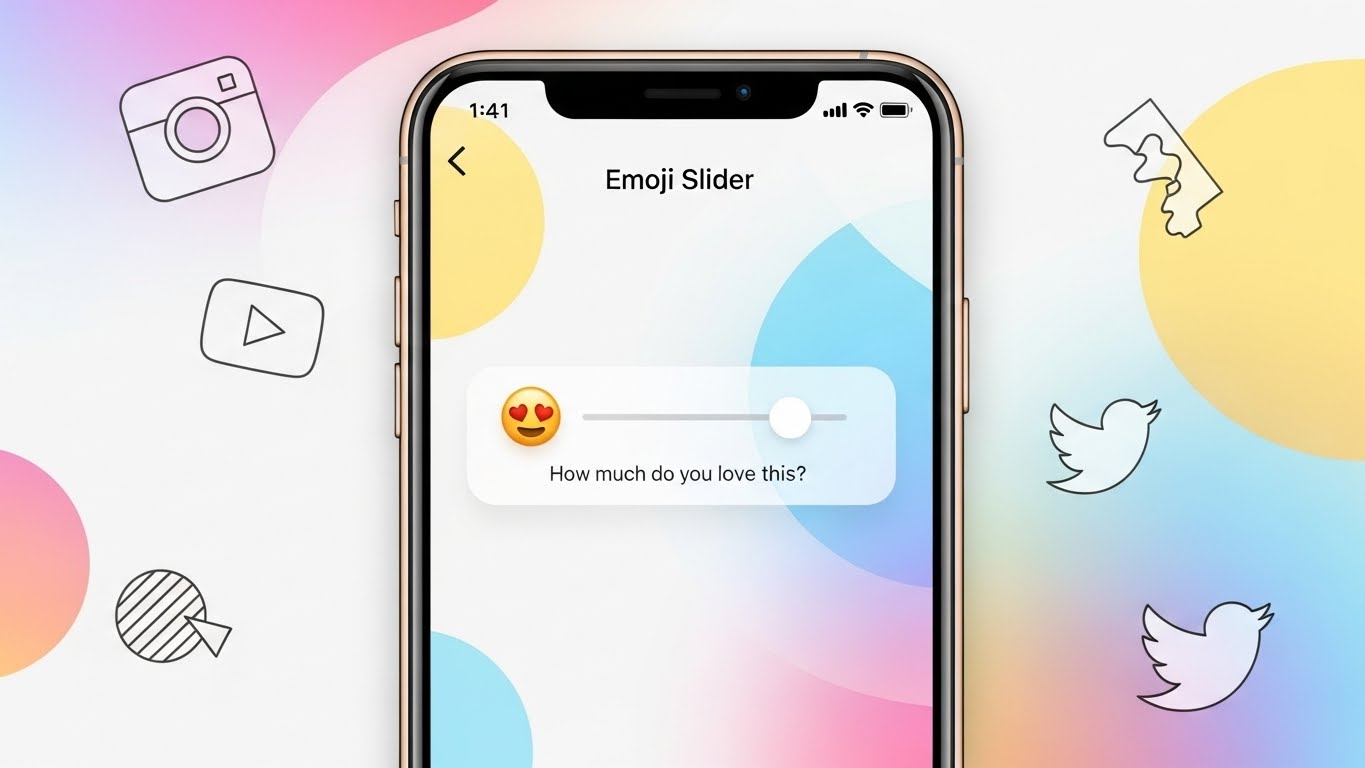
The Emoji Slider is a Story sticker that allows viewers to answer a question by dragging an emoji along a horizontal scale. Instead of selecting a fixed answer, users express their feelings with nuance.
This makes the Emoji Slider especially useful for collecting reactions such as:
- How much users like something ❤️🔥
- How strongly they agree or disagree 👍
- How curious, excited, or unsure they feel 🤔
- How fun, surprising, or relatable a post is 🤯
- How interested they are in future content 👀
Unlike polls, which force a binary choice, or question boxes, which require typing, the sliding format invites engagement from even passive viewers.
🤔 2. Why Does the Emoji Slider Work? (The Psychology Behind It)
Understanding the psychology behind this feature helps you use it more strategically.
⭐ 2.1. Low-effort engagement
The slider is effortless. The user moves the emoji a little — done.
No thinking through options, no typing. This reduced friction leads to more responses.
⭐ 2.2. Visual communication
Emojis can express emotions more naturally than text. Viewers instinctively respond to the emoji’s feeling.
⭐ 2.3. Instant gratification
After sliding, Instagram shows the user the average response. People love knowing how their opinion compares.
⭐ 2.4. Emotional relatability
An emoji communicates tone. A heart eyes emoji 😍 invites excitement.
A thinking emoji 🤔 invites contemplation.
A laughing emoji 😂 invites fun.
⭐ 2.5. Works at any scale
Whether you have 20 followers or 2 million, the slider collects reactions equally well.
🎯 3. When Should You Use an Emoji Slider?
Here are perfect moments to use the slider:
- Measuring interest in upcoming content
- Getting feedback on new ideas
- Rating product designs, prototypes, or colors
- Checking audience mood or energy
- Evaluating how relatable or funny a post is
- Asking for opinions where nuance matters
- Pre-launch or pre-announcement teasing
For creators, it’s a quick pulse check.
For brands, it’s lightweight market research.
For educators, it’s a simple assessment tool.
🔧 4. How to Add an Emoji Slider in Your Story (Step-by-Step)
Follow these steps:
- Open Instagram → add a new Story.
- Upload your image or video.
- Tap the sticker icon (square smiley).
- Select Emoji Slider.
- Type your question or prompt.
- Choose an emoji that matches your story’s tone.
- Resize and position the slider.
- Post your Story.
Your audience will now see the slider and can interact instantly.
😎 5. Choosing the Right Emoji (and Why It Matters)
The emoji you pick shapes how viewers interpret the question.
🔥 High-emotion emojis
💖 😍 🤩 🔥 🤯
Best for: excitement, desire, strong interest
😂 Fun or humorous emojis
😂 🤣 😆 😜
Best for: comedy, reactions, memes
👍 Approval or opinion emojis
👍 👎 💬
Best for: quality checks, ratings, review prompts
🤔 Thinking or curiosity emojis
🤔 🧐 💭
Best for: ideas, concepts, questions
😶🌫️ Mood emojis
😴 🤒 😵💫
Best for: wellness check-ins, mood surveys
⚠️ Caution
Avoid mixed-signal emojis unless intentional.
E.g., using 💀 might confuse some followers unless it’s part of your humor style.
📊 6. Types of Feedback You Can Collect
Here’s a table summarizing the types of feedback and how useful the slider is for each:
| Feedback Type | Usefulness of Emoji Slider | Why |
|---|---|---|
| Emotional reaction | ⭐⭐⭐⭐⭐ | Quick and intuitive |
| Level of interest | ⭐⭐⭐⭐⭐ | Perfect for “How interested are you?” |
| Satisfaction | ⭐⭐⭐⭐ | Works well but requires context |
| Opinions | ⭐⭐⭐ | Better with Q&A box |
| Knowledge check | ⭐ | Not precise enough |
| Mood | ⭐⭐⭐⭐ | Great for vibes/mood polls |
📢 7. Writing Effective Slider Prompts
Here are some formulas for prompts that work extremely well:
7.1. Rating formulas
- “How much do you like this idea? 😍”
- “Rate this design 🔥”
- “How good is this outfit? 👗✨”
7.2. Yes/no but with nuance
- “Do you want a part 2? 👀”
- “Should I post more behind-the-scenes? 🎥”
7.3. Emotional reflection
- “How does this make you feel? 🤔”
- “Relatable? 😂”
7.4. Predictions
- “How confident are you in this prediction? 📊”
7.5. Market research
- “Would you buy this color? 🎨”
- “How excited are you for the launch? 🚀”
🧠 8. The Art of Slider Design: Layout, Colors, Style
Good design increases engagement. Follow these tips:
🎨 1. High contrast
Place the slider on a clean background so users notice it.
🔠 2. Use short prompts
People won’t read long text blocks in Stories.
🖼 3. Use visual anchors
Pointing arrows, stars, or circles can direct attention to the slider.
📏 4. Keep it away from edges
Avoid the bottom-right area where viewers might tap by accident.
🌈 5. Consider color psychology
Warm colors (red, orange, yellow) → excitement
Cool colors (blue, green) → calm, clarity
🧩 6. Match emoji + message
Funny prompt → funny emoji
Serious poll → neutral emoji
🔍 9. How to Interpret Emoji Slider Results
When people interact with your slider, you get:
- The average position on the scale
- The distribution of replies (cluster vs. spread)
- The raw number of participants
- Insights to improve your next content
Example interpretations:
| Average Slider Position | Meaning |
|---|---|
| 80–100% | Your audience LOVES it ❤️🔥 |
| 60–80% | Strong interest 😊 |
| 40–60% | Mixed reactions 😐 |
| 20–40% | Weak interest 🤷 |
| 0–20% | Audience dislikes it 😬 |
Focus not only on the average but also on patterns.
🧪 10. Advanced Strategy: A/B Testing with Emoji Sliders
You can test:
- Two versions of a design
- Two thumbnails
- Two product names
- Two reels ideas
- Two editing styles
- Two packaging concepts
How to do A/B testing with sliders:
- Create Story A with Slider #1.
- Create Story B with Slider #2.
- Post them in different orders to avoid bias.
- Compare results after 24 hours.
👥 11. How Brands Can Use Emoji Sliders
Emoji sliders function as mini-surveys. Brands can use them for:
🎁 Product development
- “How much do you like this prototype? 🔥”
🛒 Buying behavior checks
- “Would you buy this color? 🎨”
📣 Content direction
- “More tutorials? 👀”
- “More lifestyle content? 🌿”
🎤 Brand personality building
Sliders add humor, personality, and humanity to a brand.
👩🏫 12. How Educators Can Use Emoji Sliders
Teachers, coaches, and mentors can also use sliders:
Use cases:
- “How confident do you feel about today’s topic? 🤔”
- “How clear was the explanation? 📘”
Benefits:
- Students answer without embarrassment
- Quick class mood check
- Helps adjust lessons in real time
🎨 13. Creative Content Ideas Using Emoji Sliders
Here are content categories and example ideas:
⭐ Entertainment Creators
- Rate my new dance move 💃😂
- How crazy is this transition? 🤯
- How much did you laugh? 😂
⭐ Fitness Creators
- How challenging does this look? 🏋️♂️🔥
- Want more workout ideas? 💪
⭐ Beauty Creators
- Rate this makeup look ✨
- Favorite shade? 🎨
⭐ Food Creators
- How tasty does this look? 🍕🤤
- Should I post the recipe? 👀
⭐ Travel Creators
- How relaxing is this view? 🌅💛
- Destination rating? 🗺️✨
⚠️ 14. Mistakes to Avoid
🚫 Too many emoji sliders
Use 1–3 per day max.
If overused, viewers feel spammed.
🚫 Unclear prompts
Avoid vague questions like “thoughts?” without context.
🚫 Using the wrong emoji
Emoji should match tone.
🚫 Crowded design
Give the slider breathing room.
🚫 Posting too late
Stories posted after 10pm often get lower engagement.
📈 15. Tips to Boost Engagement with Your Sliders
⭐ 1. Use storytelling
Post a sequence leading to the slider.
⭐ 2. Use motion
Use GIFs or video to make the slider more noticeable.
⭐ 3. Test multiple emojis
Different emojis provoke different emotional responses.
⭐ 4. Tease the results
Viewers love seeing follow-up posts.
⭐ 5. Combine with polls
Create multi-step interactive stories.
🔮 16. Future Trends of Emoji Slider Use
- AI-driven context suggestions
- Auto-color matching
- Data export for creators
- Personalized emoji recommendations
- Predictive analytics showing audience interests
The emoji slider will only grow more powerful as Instagram evolves.
🎁 17. Conclusion
Instagram’s Emoji Slider is one of the simplest yet most effective tools for gathering instant, emotional, and high-engagement feedback. It removes friction, adds fun, and provides insights you can use to improve your content, understand your audience, and direct future strategies.
When used creatively, it becomes more than a sticker — it becomes a mini-lab for testing ideas, shaping products, and deepening relationships with your community.
Whether you’re a creator, business, teacher, coach, or casual user, this small interactive tool can dramatically enhance your storytelling and decision-making.
Leave a Reply