
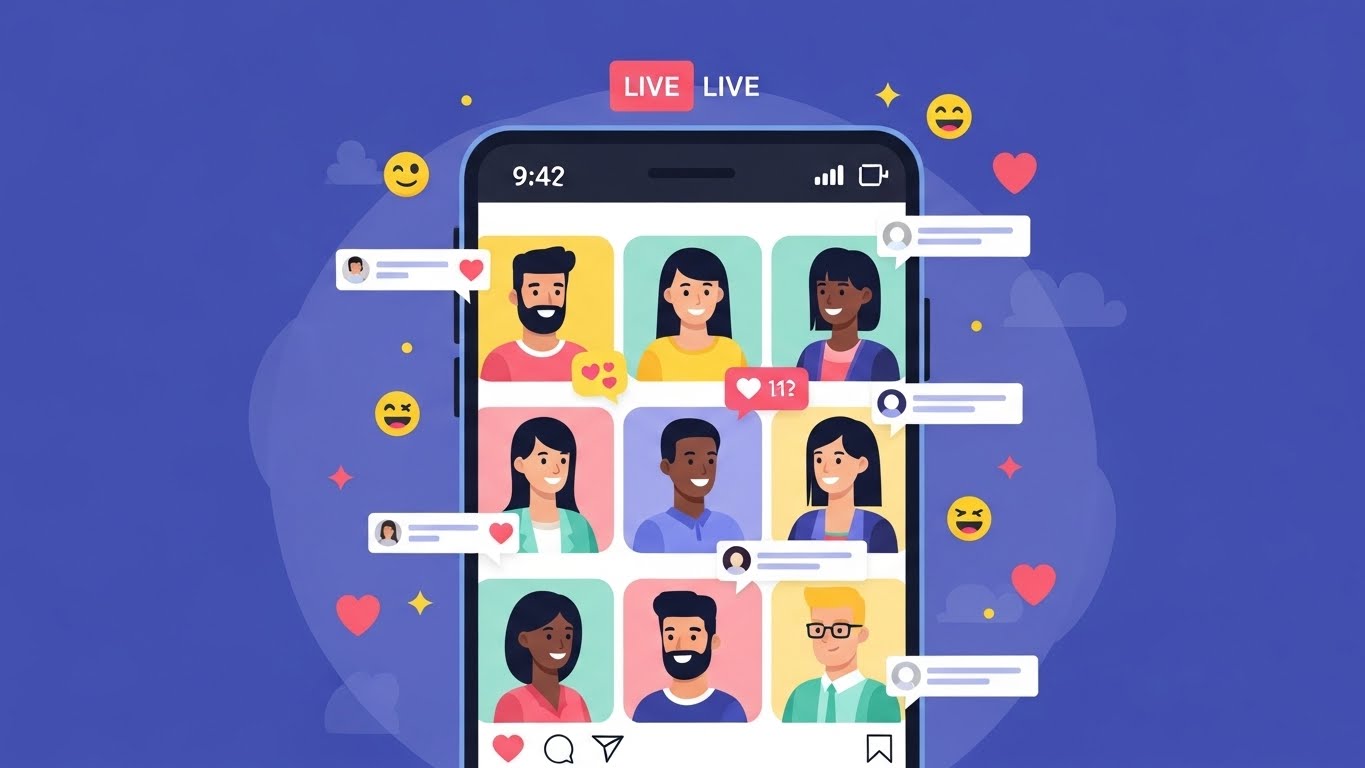
Instagram Live has evolved from a simple one-person broadcasting tool into a powerful, interactive stage where creators, brands, educators, and communities can connect in real time. One of the most impactful upgrades to this feature is Instagram’s Multi-Guest Live, which allows multiple participants to join a single live broadcast simultaneously.
This feature has completely transformed how conversations happen on Instagram. Instead of static, one-way communication, Live sessions can now resemble podcasts, panel discussions, interviews, collaborative workshops, or even virtual events. Whether you’re an influencer hosting experts, a business running Q&A sessions, or a creator collaborating with peers, Multi-Guest Live offers endless possibilities.
In this comprehensive guide, you’ll learn:
- What Instagram’s Multi-Guest Live feature is
- How it works step by step
- Best practices for hosting successful sessions
- Creative use cases
- Common mistakes to avoid
- Tips for engagement, monetization, and growth
Let’s dive deep into mastering Instagram’s Multi-Guest Live feature 🎥✨
1. What Is Instagram’s Multi-Guest Live Feature? 🤝
Instagram’s Multi-Guest Live feature allows a host to invite multiple guests to join a live broadcast simultaneously. Instead of a split screen with just one guest, the host can manage several participants at once, creating a dynamic and collaborative live environment.
Key Characteristics
- Supports multiple participants in one Live
- Guests appear on screen with the host
- Real-time interaction with viewers via comments and reactions
- Host controls who joins and leaves
This feature brings Instagram Live closer to formats like:
- Panel discussions 🎤
- Group interviews 🎙️
- Roundtable talks 🪑
- Live workshops 🧠
2. Why Multi-Guest Live Is a Game-Changer 🔥
2.1 Increased Engagement
Audiences are more likely to stay when multiple perspectives are shared. Conversations feel alive, spontaneous, and authentic.
2.2 Collaboration Opportunities
Creators can cross-pollinate audiences by inviting guests from different niches or communities.
2.3 Authority & Credibility
Hosting experts or professionals instantly boosts your perceived authority.
2.4 Community Building
Live group discussions foster a sense of belonging and participation.
3. Requirements to Use Multi-Guest Live ✅
Before you start, make sure you meet these basic requirements:
| Requirement | Description |
|---|---|
| Instagram Account | Personal, Creator, or Business |
| Updated App | Latest version of Instagram |
| Stable Internet | Strong Wi-Fi or mobile data |
| Age Eligibility | Must meet Instagram’s age rules |
| Live Access | No current restrictions on your account |
💡 Tip: Always update your app before going live to avoid missing features.
4. How to Start a Multi-Guest Live on Instagram (Step-by-Step) 📋
Step 1: Open Instagram Live
- Open the Instagram app
- Swipe right from your feed or tap the “+” icon
- Select Live
Step 2: Start Your Live Broadcast
- Add a compelling title to your Live
- Tap Go Live
- Wait a few seconds for Instagram to connect
Step 3: Invite Guests
- Tap the Guests icon (usually two smiley faces)
- Choose from:
- Viewers requesting to join
- People you invite directly
Step 4: Manage Guests
- Add or remove guests at any time
- Rotate guests to keep the session dynamic
- Mute participants if needed
Step 5: End or Save the Live
- Tap End
- Choose to save, share, or discard the Live
🎉 Congratulations! You’ve successfully hosted a Multi-Guest Live.
5. Screen Layouts and Visual Experience 🖥️
Instagram dynamically adjusts the screen layout based on the number of participants:
| Number of Participants | Screen Layout |
|---|---|
| 2 | Split screen |
| 3–4 | Grid layout |
| 5+ | Rotating focus view |
📌 Pro Tip: Ask guests to sit in well-lit environments with minimal background noise.
6. Best Practices for Hosting a Successful Multi-Guest Live 🌟
6.1 Plan Ahead
- Define a clear topic
- Create a loose agenda
- Share talking points with guests beforehand
6.2 Promote Before Going Live
- Post Stories with countdown stickers ⏰
- Create a feed post or Reel teaser
- DM collaborators reminders
6.3 Moderate the Conversation
- Set speaking turns
- Acknowledge comments
- Keep the discussion focused
6.4 Engage the Audience
- Ask questions
- Run polls via Stories beforehand
- Shout out viewers by name 👋
7. Creative Use Cases for Multi-Guest Live 🎨
7.1 Panel Discussions
Invite experts to discuss trends, news, or hot topics.
7.2 Interviews
Host a live interview with multiple guests or co-hosts.
7.3 Workshops & Tutorials
Teach skills while guests add complementary insights.
7.4 Community Chats
Open conversations with loyal followers.
7.5 Product Launches
Bring team members or influencers to discuss features live.
8. Multi-Guest Live for Businesses 🏢
Businesses can leverage this feature for:
| Business Goal | How to Use Multi-Guest Live |
|---|---|
| Brand Awareness | Collaborate with influencers |
| Customer Support | Live Q&A sessions |
| Lead Generation | Educational panels |
| Sales | Live demos with testimonials |
💼 Multi-Guest Lives humanize brands and build trust.
9. Monetization Opportunities 💰
Instagram Live supports several monetization strategies:
- Live Badges ⭐
- Sponsored guest appearances
- Affiliate promotions
- Paid workshops or exclusive sessions
- Brand collaborations
🔑 Key Insight: Value-driven Lives attract monetization naturally.
10. Common Mistakes to Avoid 🚫
❌ Inviting too many guests without structure
❌ Poor audio quality
❌ Ignoring audience comments
❌ Lack of moderation
❌ Going live without promotion
Avoiding these mistakes can dramatically improve viewer retention.
11. Technical Tips for Smooth Lives 🛠️
- Use headphones to avoid echo 🎧
- Close background apps
- Test internet speed beforehand
- Keep devices charged 🔋
- Use a tripod or stable surface
12. Accessibility & Inclusivity ♿
Consider:
- Speaking clearly
- Reading comments aloud
- Describing visuals verbally
- Including diverse voices
Inclusive Lives create stronger communities.
13. After the Live: What to Do Next 🔄
Once your Live ends:
- Save and repost to your profile
- Clip highlights into Reels
- Repurpose content for other platforms
- Ask for feedback via Stories
📈 A single Live can generate content for weeks.
14. Measuring Success 📊
Track:
- Live viewers
- Peak audience count
- Comments and reactions
- Follower growth
- Saves and shares
| Metric | Why It Matters |
|---|---|
| Viewer Retention | Content quality |
| Engagement | Audience interest |
| Shares | Reach potential |
15. The Future of Multi-Guest Live 🔮
As Instagram continues to evolve, Multi-Guest Live will likely include:
- Improved moderation tools
- Enhanced layouts
- Deeper monetization features
- Better analytics
Creators who master it now will stay ahead of the curve.
Conclusion: Mastering Multi-Guest Live 🚀
Instagram’s Multi-Guest Live feature is more than just a technical upgrade—it’s a storytelling, community-building, and collaboration powerhouse. When used strategically, it can deepen relationships, expand reach, and create unforgettable real-time experiences.
Whether you’re a beginner or a seasoned creator, embracing this feature can elevate your Instagram presence to the next level 🌟
Leave a Reply