
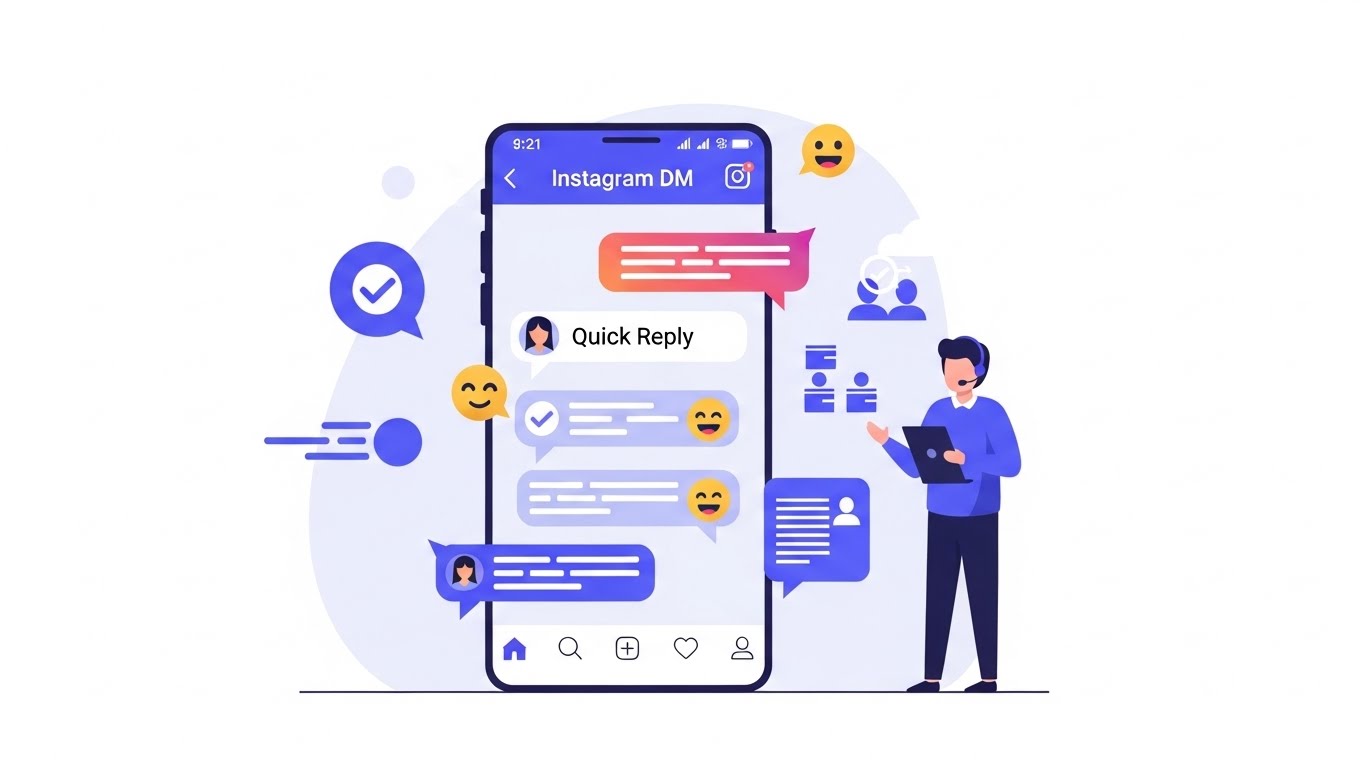
Customer service has evolved dramatically in the last decade. What once depended on phone calls and emails has shifted toward instant, conversational experiences inside social media platforms. Among these platforms, Instagram stands out as one of the most powerful channels for customer interaction. With over a billion active users worldwide, Instagram is no longer just a place to share photos—it is a full-fledged business communication hub.
One of the most practical and underrated tools Instagram offers businesses is Quick Replies. These are pre-written responses that customer service teams can insert into direct messages (DMs) with just a few taps. When used correctly, Quick Replies save time, ensure consistency, and significantly improve response speed, all while maintaining a human tone.
This article is a comprehensive, step-by-step guide on how to use Instagram’s Quick Replies for customer service. You will learn not only how to set them up, but also how to design effective replies, organize them for scale, integrate them into workflows, and avoid common mistakes. Whether you are a solo entrepreneur, a growing brand, or a large customer support team, this guide will help you transform Instagram DMs into a professional, efficient support channel 💬.
Understanding Instagram Quick Replies
What Are Quick Replies?
Instagram Quick Replies are saved message templates that businesses can reuse in Instagram Direct Messages. Instead of typing the same answers repeatedly—such as business hours, shipping policies, or return instructions—support agents can insert a predefined message instantly.
Quick Replies are not automated chatbots. They do not send messages automatically. Instead, they assist human agents by reducing repetitive typing and standardizing responses. This distinction is important: Quick Replies help teams stay fast and human at the same time.
Where Quick Replies Are Available
Quick Replies are available to:
- Instagram Business accounts
- Instagram Creator accounts
They can be used inside:
- Instagram mobile apps (iOS and Android)
- Meta Business Suite (for accounts connected to Facebook)
Why Instagram Designed Quick Replies
Instagram introduced Quick Replies to solve three core problems faced by businesses:
- Slow response times
- Inconsistent answers from different team members
- Agent burnout from repetitive typing
By addressing these issues, Quick Replies help brands deliver faster, clearer, and more reliable customer service.
Benefits of Using Quick Replies for Customer Service 🌟
1. Faster Response Times
Speed is everything in social media customer service. Users expect replies within minutes, not hours. Quick Replies allow agents to answer common questions almost instantly, improving customer satisfaction and response-time metrics.
2. Consistent Brand Voice
When multiple agents handle DMs, tone and messaging can vary. Quick Replies ensure that:
- Policies are explained accurately
- Brand language stays consistent
- Legal or compliance wording is respected
3. Reduced Human Error
Manually typing the same information repeatedly increases the risk of mistakes. Quick Replies minimize typos, missing details, and incorrect instructions.
4. Better Agent Productivity
By removing repetitive work, support agents can focus on:
- Complex issues
- Emotional or sensitive conversations
- Upselling and relationship building
5. Improved Customer Experience
Customers receive:
- Faster answers
- Clear instructions
- Professional communication
This combination leads to higher trust and brand loyalty ❤️.
Common Use Cases for Instagram Quick Replies
Quick Replies are ideal for frequently asked questions. Below are some of the most common scenarios.
Frequently Asked Questions (FAQs)
- Business hours
- Store locations
- Contact information
Order and Shipping Questions
- Shipping times
- Tracking instructions
- International delivery policies
Returns and Refunds
- Return eligibility
- Refund timelines
- Exchange procedures
Product Information
- Sizes and colors
- Materials and ingredients
- Availability and restocks
Promotions and Discounts
- Current offers
- Discount code instructions
- Terms and conditions
Account and Technical Support
- Login help
- Subscription management
- App-related issues
How to Set Up Quick Replies on Instagram (Step-by-Step)
Step 1: Switch to a Business or Creator Account
If you are using a personal account, Quick Replies will not be available. To switch:
- Go to Settings
- Tap Account
- Select Switch to Professional Account
- Choose Business or Creator
Step 2: Access Quick Replies Settings
- Open Instagram
- Go to your profile
- Tap the menu (☰) icon
- Select Settings
- Tap Business or Creator
- Choose Quick Replies
Step 3: Create a New Quick Reply
When creating a Quick Reply, you will see three main fields:
- Message: The full text of your reply
- Shortcut: A short command that triggers the reply (e.g., “hours”)
- Save
Example:
- Shortcut:
hours - Message: “Thanks for reaching out! Our business hours are Monday to Friday, 9 AM–6 PM. Let us know if you need anything else 😊”
Step 4: Use Quick Replies in Conversations
To insert a Quick Reply while chatting:
- Open a DM
- Type
/followed by the shortcut - Select the Quick Reply
- Edit if needed and send
Designing Effective Quick Replies ✍️
Keep the Tone Human
Quick Replies should never sound robotic. Even though they are pre-written, they should feel friendly and conversational.
Bad example:
“Business hours are 9–6.”
Good example:
“Thanks for your message! 😊 Our team is available Monday to Friday, from 9 AM to 6 PM.”
Personalize Whenever Possible
Leave room to add the customer’s name or adapt the message slightly before sending. Quick Replies should be a starting point, not the final word.
Be Clear and Concise
Avoid unnecessary jargon. Customers want clear answers, not long explanations—unless the situation requires it.
Use Emojis Strategically 😊
Emojis can:
- Soften the tone
- Make messages more friendly
- Reflect brand personality
Use them sparingly and consistently.
Structuring Quick Replies for Scale
As your business grows, the number of Quick Replies can increase quickly. Organization becomes essential.
Naming Conventions for Shortcuts
Use consistent patterns:
ship_domesticship_internationalreturn_policyrefund_time
This makes replies easier to find and remember.
Categorizing Replies Internally
Although Instagram does not support folders, you can maintain an internal document categorizing Quick Replies by:
- Sales
- Support
- Logistics
- Promotions
Example Quick Replies Table 📊
| Category | Shortcut | Message Purpose |
|---|---|---|
| Business Hours | hours | Share opening hours |
| Shipping | ship_time | Explain delivery timeframe |
| Returns | return_policy | Outline return rules |
| Discounts | promo | Share active promotions |
| Support | help_order | Order issue guidance |
Integrating Quick Replies into Your Customer Service Workflow
Training Your Team
Every agent should:
- Know when to use Quick Replies
- Understand when not to use them
- Feel empowered to personalize messages
Combining Quick Replies with Manual Responses
The best customer service blends:
- Speed (Quick Replies)
- Empathy (custom messages)
For emotional or complex issues, always go beyond templates.
Using Quick Replies with Saved Replies in Meta Business Suite
For teams managing high volumes, Meta Business Suite allows:
- Centralized inbox management
- Team assignments
- Performance tracking
Quick Replies fit naturally into this environment.
Common Mistakes to Avoid ❌
Over-Automation
Customers can sense when replies feel copy-pasted. Always review before sending.
Outdated Information
Review Quick Replies regularly to ensure:
- Prices are correct
- Policies are current
- Links still work
Ignoring Context
Never send a Quick Reply without reading the customer’s message fully. Context matters.
Measuring the Success of Quick Replies
Key Metrics to Track
- Average response time
- First response resolution rate
- Customer satisfaction feedback
Qualitative Feedback
Pay attention to:
- Customer tone
- Thank-you messages
- Reduced follow-up questions
These signals indicate effective communication.
Advanced Tips for Power Users ⚡
Layered Responses
Start with a Quick Reply, then add a custom follow-up sentence to personalize.
Seasonal Quick Replies
Create temporary replies for:
- Holidays
- Sales events
- Product launches
Deactivate them afterward to stay organized.
Multilingual Quick Replies
If you serve international audiences, create replies in multiple languages and label them clearly.
Quick Replies vs Chatbots
| Feature | Quick Replies | Chatbots |
| Human Control | Yes | Limited |
| Automation Level | Low | High |
| Flexibility | High | Medium |
| Setup Complexity | Low | High |
Quick Replies are ideal for brands that want speed without losing the human touch 🤝.
Future-Proofing Your Instagram Customer Service Strategy
Quick Replies should be part of a broader strategy that includes:
- Clear service policies
- Trained support staff
- Analytics-driven improvements
As Instagram continues to evolve, businesses that master foundational tools like Quick Replies will adapt faster to new features.
Conclusion: Turning Speed into Satisfaction 🎯
Instagram’s Quick Replies are a simple yet powerful tool for customer service. They help businesses respond faster, maintain consistency, and reduce workload—without sacrificing authenticity.
When designed thoughtfully and used strategically, Quick Replies become more than shortcuts. They become building blocks for trust, loyalty, and long-term customer relationships.
By investing time in creating, organizing, and refining your Quick Replies today, you set your brand up for scalable, human-centered customer service tomorrow.
✨ The result? Happier customers, more efficient teams, and a stronger presence on one of the world’s most influential platforms.
Leave a Reply