
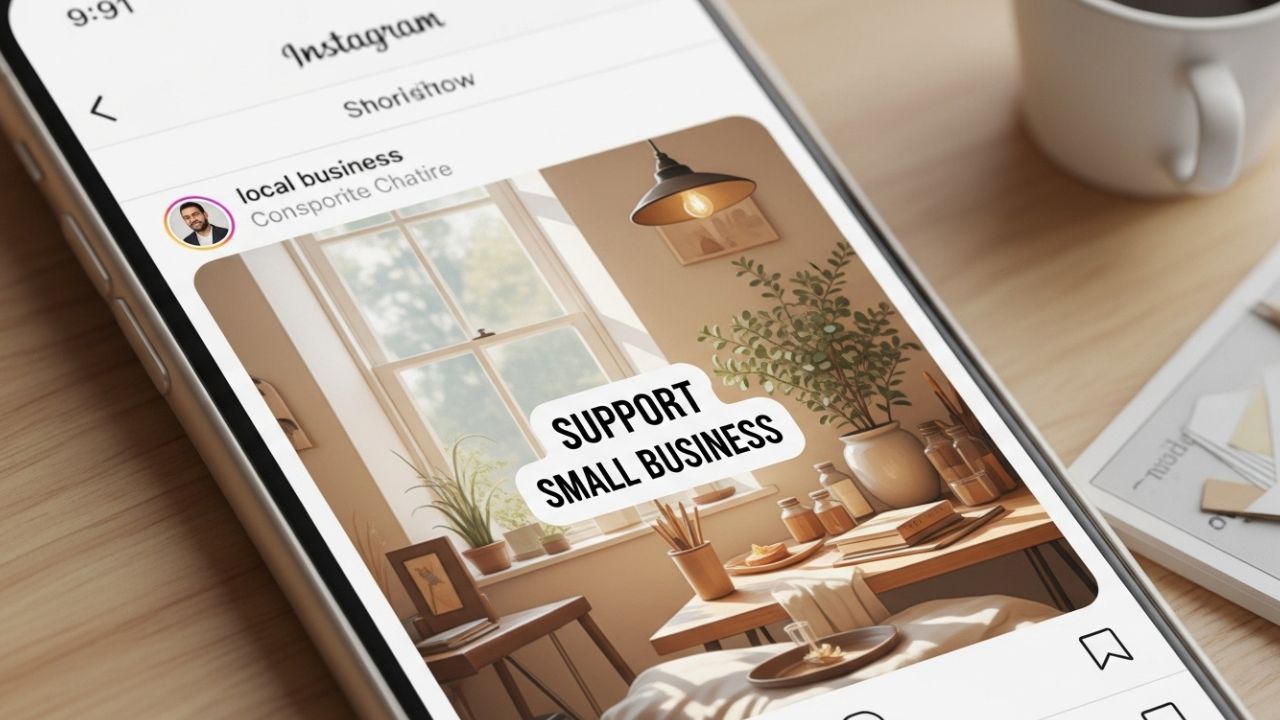
Instagram has evolved far beyond a simple photo-sharing app. Today, it’s a powerful ecosystem where creators, entrepreneurs, and brands of all sizes can build visibility, community, and revenue. Among the many features Instagram has introduced to support commerce and creators, the “Support Small Business” sticker stands out as a deceptively simple but extremely powerful tool—especially for small brands and local businesses.
This article is a deep, practical, and strategic guide on how to use Instagram’s Support Small Business sticker effectively. We’ll go beyond the basics and explore why it works, how to use it creatively, common mistakes, advanced strategies, real-world scenarios, metrics to track, and how it fits into a long-term Instagram growth strategy.
Whether you’re a business owner, social media manager, influencer, or marketer, this guide will help you unlock the full potential of this sticker 🚀.
Table of Contents
- What Is the “Support Small Business” Sticker?
- Why Instagram Created This Feature
- Who Can Use the Sticker (and Who Should)
- Where the Sticker Appears and How It Works
- Step-by-Step: How to Add the Sticker to Your Story
- Psychology Behind the Sticker’s Effectiveness 🧠
- Benefits for Small Businesses
- Benefits for Creators and Influencers
- Creative Ways to Use the Sticker
- Storytelling Strategies That Convert
- Do’s and Don’ts ❌✅
- Common Mistakes to Avoid
- Using the Sticker for Collaborations
- Local Businesses and Community Growth
- E-commerce and Product-Based Brands
- Service-Based Businesses
- Using the Sticker During Promotions & Launches
- Integrating the Sticker into a Content Calendar
- Metrics and Performance Tracking 📊
- Case-Style Scenarios (Hypothetical Examples)
- Advanced Tips and Growth Hacks
- How the Sticker Fits into Instagram’s Algorithm
- Long-Term Branding vs Short-Term Visibility
- Ethical Use and Authenticity
- Final Thoughts
1. What Is the “Support Small Business” Sticker?
The “Support Small Business” sticker is an interactive Instagram Stories sticker that allows users to tag a small business profile and encourage their audience to support it.
When someone taps the sticker:
- They’re taken directly to the business’s Instagram profile
- They can follow the business
- They can view posts, shop, or message the brand
The sticker visually highlights the business name and profile photo, making it stand out in Stories.
👉 In simple terms:
It’s a digital shout-out with built-in credibility and reach.
2. Why Instagram Created This Feature
Instagram introduced the sticker to:
- Encourage community support
- Strengthen local and small businesses
- Promote authentic connections
- Keep users engaged within the app
From Instagram’s perspective, this feature:
- Increases Story interactions
- Encourages profile visits
- Supports commerce
- Makes the platform feel more human ❤️
It also aligns with Instagram’s broader goal:
Turning attention into meaningful action.
3. Who Can Use the Sticker (and Who Should)
Anyone Can Use It:
- Personal accounts
- Creator accounts
- Business accounts
Who Should Use It Most:
- Small business owners
- Local shops and services
- Artists, designers, freelancers
- Coaches and consultants
- Influencers supporting brands
- Community pages
You don’t need to be verified or have thousands of followers. Even accounts with 100 followers can benefit.
4. Where the Sticker Appears and How It Works
The sticker appears in Instagram Stories only.
Key characteristics:
- Interactive
- Clickable
- Customizable (color and placement)
- Shareable by others
When someone reposts your Story containing the sticker:
- The business gets compounding exposure
- Trust increases through social proof 🔁
5. Step-by-Step: How to Add the Sticker to Your Story
- Open Instagram
- Swipe right to create a Story
- Upload or take a photo/video
- Tap the Sticker icon
- Select “Support Small Business”
- Search for the business account
- Customize color and placement
- Add text, emojis, or context
- Post your Story 🎉
💡 Tip: Always add context. A sticker alone is good, but a sticker + story is powerful.
6. Psychology Behind the Sticker’s Effectiveness 🧠
The sticker works because it activates several psychological triggers:
| Trigger | Why It Works |
|---|---|
| Social Proof | “If they support this business, it must be good” |
| Reciprocity | Audiences want to help when asked kindly |
| Community Identity | Supporting local = belonging |
| Ease of Action | One tap = instant support |
| Trust Transfer | Trust in the sharer transfers to the business |
This combination makes the sticker feel natural, not salesy.
7. Benefits for Small Businesses
Using the sticker strategically can lead to:
- Increased profile visits 👀
- New followers
- More DMs
- Higher brand awareness
- Stronger community relationships
- Organic growth without ads
Long-Term Benefits:
- Repeated exposure through shares
- Recognition as a “community brand”
- Trust before selling
8. Benefits for Creators and Influencers
For creators, using the sticker:
- Strengthens brand relationships
- Shows authenticity
- Builds goodwill with followers
- Creates collaboration opportunities
- Positions you as a connector 🤝
Creators who actively support small businesses often see higher engagement, not less.
9. Creative Ways to Use the Sticker 🎨
Here are some creative formats:
1. Behind-the-Scenes
Show how the product is made or used.
2. Personal Testimonial
Explain why you love the business.
3. Before & After
Highlight transformation or results.
4. Q&A Style
Answer common questions about the business.
5. “Discovered This Gem”
Create a discovery narrative.
10. Storytelling Strategies That Convert 📖
Instead of saying:
“Support this small business”
Try:
- “I found this brand when I needed ___”
- “This small business helped me solve ___”
- “If you care about ___, you’ll love this”
Storytelling turns the sticker into a recommendation, not an ad.
11. Do’s and Don’ts ❌✅
Do:
- Add context
- Be honest
- Use clear visuals
- Tag relevant moments
- Engage with replies
Don’t:
- Spam the sticker
- Support businesses you don’t trust
- Use it without explanation
- Overcrowd your Story
- Ignore DMs after posting
12. Common Mistakes to Avoid
🚫 Using the sticker with no text
🚫 Posting low-quality visuals
🚫 Supporting unrelated businesses
🚫 Overusing it daily
🚫 Treating it like a hard sell
Remember: Subtlety wins on Instagram.
13. Using the Sticker for Collaborations 🤝
The sticker is perfect for:
- Brand shout-outs
- Cross-promotions
- Affiliate relationships
- Event partnerships
Example flow:
- Business shares creator
- Creator shares business
- Both gain followers
- Trust multiplies
14. Local Businesses and Community Growth 🏪
For local businesses:
- Tag neighboring businesses
- Encourage reposts
- Build a local ecosystem
This creates:
- Shared audiences
- Local loyalty
- Offline + online synergy
15. E-commerce and Product-Based Brands 🛍️
Use the sticker to:
- Highlight new drops
- Share customer stories
- Promote ethical or handmade products
- Show packaging or shipping
Pair with:
- Product stickers
- Countdown stickers
- Polls
16. Service-Based Businesses 💼
Service providers can use the sticker to:
- Share testimonials
- Highlight client wins
- Explain their process
- Build authority
This works especially well for:
- Coaches
- Designers
- Therapists
- Consultants
17. Using the Sticker During Promotions & Launches 🚀
Best moments:
- Product launches
- Rebrands
- Anniversaries
- Seasonal sales
- Special offers
💡 Pro tip: Use scarcity language responsibly:
“They’re a small team, and spots fill fast.”
18. Integrating the Sticker into a Content Calendar 📅
Example weekly approach:
| Day | Content |
|---|---|
| Monday | Educational Story |
| Wednesday | Support Small Business |
| Friday | Personal/Behind-the-Scenes |
| Sunday | Community shout-out |
Consistency > frequency.
19. Metrics and Performance Tracking 📊
Track:
- Story views
- Sticker taps
- Profile visits
- Follower growth
- DMs received
Compare:
- Stories with vs without the sticker
Look for patterns, not single posts.
20. Case-Style Scenarios (Hypothetical Examples)
Example 1: Coffee Shop ☕
A local café gets shared by 10 customers → gains 300 followers → weekend foot traffic increases.
Example 2: Online Artist 🎨
An illustrator gets tagged by a creator → gains international audience → sells out prints.
Example 3: Coach 🧠
A life coach is shared with a personal story → receives qualified leads → books new clients.
21. Advanced Tips and Growth Hacks ⚡
- Combine with polls (“Have you tried them?”)
- Use brand colors for consistency
- Ask followers to repost
- Save Stories to Highlights
- Tag location when relevant
- Use minimal but intentional emojis ✨
22. How the Sticker Fits into Instagram’s Algorithm
Instagram favors:
- Interactive content
- Profile visits
- Shares
- Replies
The sticker naturally triggers all of these, making it algorithm-friendly without feeling manipulative.
23. Long-Term Branding vs Short-Term Visibility
Short-term:
- Follower spikes
- Traffic boosts
Long-term:
- Brand recognition
- Trust
- Community positioning
The sticker is most powerful when used as part of a long-term brand voice, not a one-off tactic.
24. Ethical Use and Authenticity ❤️
Support businesses you genuinely believe in.
Audiences can tell when:
- A recommendation is forced
- A brand doesn’t align with your values
Authenticity builds:
- Credibility
- Loyalty
- Sustainable growth
25. Final Thoughts 🌟
Instagram’s “Support Small Business” sticker is more than a feature—it’s a statement.
It says:
- Community matters
- Small brands deserve visibility
- People support people
Used thoughtfully, this simple sticker can:
- Grow businesses
- Strengthen relationships
- Build trust
- Create meaningful impact
In a crowded digital world, support is currency. Spend it wisely.
Leave a Reply