
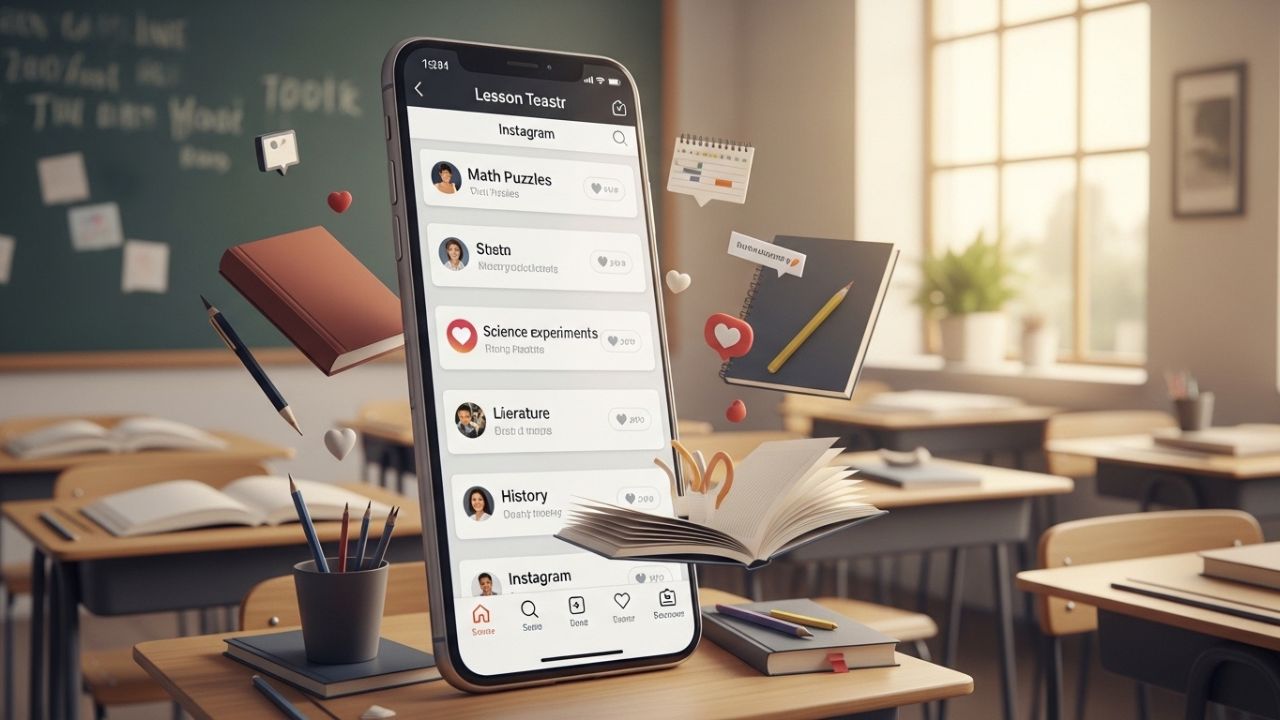
Instagram was not created with classrooms in mind. It was designed for photos, quick videos, fleeting attention, and emotional connection. Ironically, these very traits make it one of the most powerful platforms for educators today. Students already live there. Their curiosity, humor, identity-building, and social learning happen in feeds, stories, reels, and comments. Ignoring this reality means missing an enormous opportunity.
For educators, Instagram can function as a lesson teaser engine: a place to spark curiosity before class, reinforce concepts after class, and keep learning alive between sessions. A teaser is not the lesson itself. It is the hook, the invitation, the “wait… what?” moment that makes students want more.
This article explores how educators can use Instagram intentionally to create lesson teasers that:
- Increase student engagement 📈
- Build anticipation for upcoming lessons 🔍
- Reinforce key ideas without overwhelming learners 🧠
- Foster community and dialogue 🤝
- Encourage self-directed exploration 🚀
We will dive deep into strategies, content formats, psychological triggers, practical examples, and ethical considerations — all without assuming advanced tech skills or influencer-level production. You don’t need to dance, go viral, or sell your soul to the algorithm. You just need clarity, creativity, and consistency.
Let’s begin.
What Is a Lesson Teaser?
A lesson teaser is a short, intriguing piece of content designed to:
- Preview a concept
- Pose a compelling question
- Highlight a real-world application
- Create emotional or intellectual tension
Think of it like a movie trailer. It doesn’t explain everything. It hints. It excites. It leaves gaps on purpose.
On Instagram, lesson teasers can take many forms:
- A single image with a provocative caption
- A short Reel posing a question
- A Story poll
- A carousel with a mystery problem
- A behind-the-scenes clip of preparation
The goal is not to teach fully, but to activate curiosity.
Why Instagram Works So Well for Teasers 🧠✨
Instagram aligns perfectly with how the brain processes curiosity and motivation.
Psychological Triggers at Play
| Trigger | How Instagram Activates It |
|---|---|
| Curiosity gap | Captions cut off answers, visuals hint at solutions |
| Social proof | Likes, comments, peer interaction |
| Micro-rewards | Quick dopamine hits from Stories & Reels |
| Visual memory | Images stick longer than text |
| Anticipation | Scheduled posts & countdown stickers |
When educators harness these mechanisms ethically, learning becomes something students lean into instead of resist.
Understanding Your Role: Educator vs Influencer 🎓📸
Before we jump into ideas, it’s crucial to clarify one thing: you are not an influencer.
You are:
- A guide
- A curator
- A spark-starter
You don’t need:
- Perfect aesthetics
- Viral trends
- Daily posting
- Personal oversharing
You do need:
- Intentionality
- Relevance
- Authenticity
- Respect for boundaries
Instagram is a tool, not an identity.
Core Principles for Effective Lesson Teasers
1. Less Is More ✂️
A teaser should take 5–30 seconds to consume.
2. One Idea Only ☝️
Do not cram multiple concepts into one post.
3. Ask, Don’t Tell ❓
Questions outperform explanations.
4. Connect to Real Life 🌍
Abstract concepts stick when grounded in reality.
5. Leave It Unfinished 🔓
The lesson completes the teaser — not Instagram.
Content Formats and Teaser Ideas
Now let’s get practical. Below are Instagram-native formats and how educators can turn them into powerful lesson teasers.
1. Single Image Posts: The Provocative Snapshot 🖼️
What It Is
One image + one strong caption.
Why It Works
Simple, fast, and scroll-stopping.
Teaser Ideas
- A historical photo with a modern caption
- A math problem written on a napkin
- A science experiment frozen mid-reaction
- A book cover with a controversial quote
Example (History)
Image: A black-and-white photo of a crowded factory
Caption:
“Would you trade safety for a salary? Tomorrow’s lesson starts here.”
Best Practices
- Use high-contrast images
- Keep captions under 100 words
- End with a question or cliffhanger
2. Carousel Posts: Curiosity in Layers ➡️➡️➡️
What It Is
Multiple slides users swipe through.
Why It Works
Each swipe is a commitment.
Teaser Structures
| Slide | Purpose |
|---|---|
| 1 | Hook (question, bold claim) |
| 2 | Context |
| 3 | Tension |
| 4 | Partial reveal |
| 5 | Invitation to learn more |
Example (Biology)
- Slide 1: “This animal can live forever.”
- Slide 2: Image of a jellyfish
- Slide 3: “But there’s a catch…”
- Slide 4: Short explanation
- Slide 5: “We’ll break it down in class.”
3. Instagram Stories: Interactive Curiosity 🧩
Stories are gold for educators.
Why Stories Are Powerful
- They disappear (low pressure)
- They are interactive
- They feel informal and safe
Interactive Stickers to Use
- Polls
- Question boxes
- Quizzes
- Sliders
- Countdown timers
Teaser Ideas
- “True or False?” polls before class
- “What do you think happens next?” videos
- “Ask me anything about tomorrow’s topic”
Example (Physics)
Story 1: Video dropping two objects
Story 2: Poll — “Which hits first?”
Story 3: “Let’s test this tomorrow.”
4. Reels: Motion + Emotion 🎥🔥
Reels are short-form videos (5–60 seconds).
When to Use Reels
- Demonstrations
- Dramatic reveals
- Before/after contrasts
- Real-world applications
Reel Teaser Ideas
- Speeded-up experiment
- Silent demonstration with text overlays
- Real-life problem introduction
Example (Economics)
Clip: Empty store shelves
Text overlay:
“What happens when prices are frozen?”
Caption:
“We’ll talk supply & demand tomorrow.”
5. Caption-Only Posts: The Power of Words ✍️
Images matter — but words can hook deeply.
Use This Format For:
- Ethical dilemmas
- Philosophical questions
- Writing prompts
- Debates
Example (Literature)
Caption:
“If a narrator lies to you… should you forgive them?”
No image needed — just a neutral background.
6. Behind-the-Scenes Content: Humanizing Learning 🎒☕
Students love seeing process.
Teaser Ideas
- Lesson planning desk
- Annotated notes
- Book stacks
- Lab prep
Why It Works
- Builds trust
- Reduces anxiety
- Makes learning feel collaborative
Example
Image: Messy desk
Caption:
“Designing tomorrow’s challenge. Bring your curiosity.”
Subject-Specific Teaser Ideas
Let’s break this down by discipline.
Language & Literature 📖📝
Teaser Themes
- Unreliable narrators
- Forbidden books
- Power of words
- Language & identity
Post Ideas
- A quote without context
- “Finish this sentence…”
- Poll: “Hero or villain?”
Mathematics ➕➖📐
Teaser Themes
- Paradoxes
- Real-world math
- Visual puzzles
- Mistakes on purpose
Post Ideas
- Incorrect solution: “What went wrong?”
- Everyday math (receipts, maps)
- Countdown to a challenge
Science 🔬🌱
Teaser Themes
- Curiosity-driven experiments
- Ethical implications
- “Invisible” processes
Post Ideas
- Before/after experiment images
- Slow-motion clips
- “What do you predict?”
History & Social Studies 🏛️🌍
Teaser Themes
- Moral ambiguity
- Hidden perspectives
- “What if?” scenarios
Post Ideas
- Cropped historical photos
- Quotes without names
- Polls on controversial decisions
Technology & Computer Science 💻🤖
Teaser Themes
- Algorithm bias
- Everyday tech mysteries
- Problem-solving logic
Post Ideas
- Bug screenshots
- “Why did this fail?”
- Mini logic puzzles
Planning and Consistency
You don’t need daily posts.
Recommended Rhythm
| Frequency | Purpose |
|---|---|
| 1–2 posts/week | Lesson teasers |
| 2–3 Stories/week | Interaction |
| Occasional Reel | High-impact teaser |
Consistency matters more than volume.
Ethical & Practical Considerations ⚖️
Privacy
- Never show students without consent
- Avoid tagging locations in real time
Boundaries
- Separate personal and professional accounts
- Set clear communication expectations
Accessibility
- Use captions on videos
- Avoid tiny text
- High-contrast visuals
Measuring Success (Without Obsessing) 📊
You don’t need to chase likes.
Better Indicators
- Student comments in class
- References to posts during lessons
- Questions sparked by teasers
- Increased participation
Instagram is a means, not the metric.
Common Mistakes to Avoid 🚫
- Overexplaining
- Posting full answers
- Copying influencer trends blindly
- Inconsistency
- Treating Instagram as mandatory homework
Final Thoughts: Curiosity Is the Curriculum ✨
Instagram, when used intentionally, can transform the emotional climate around learning. It can shift lessons from something that happens to students into something they anticipate.
Lesson teasers are not about being trendy. They are about:
- Respecting attention
- Valuing curiosity
- Meeting learners where they are
If learning starts with a question, Instagram is simply one more place to ask it.
And sometimes, the smallest post creates the biggest spark 🔥📚
Leave a Reply