
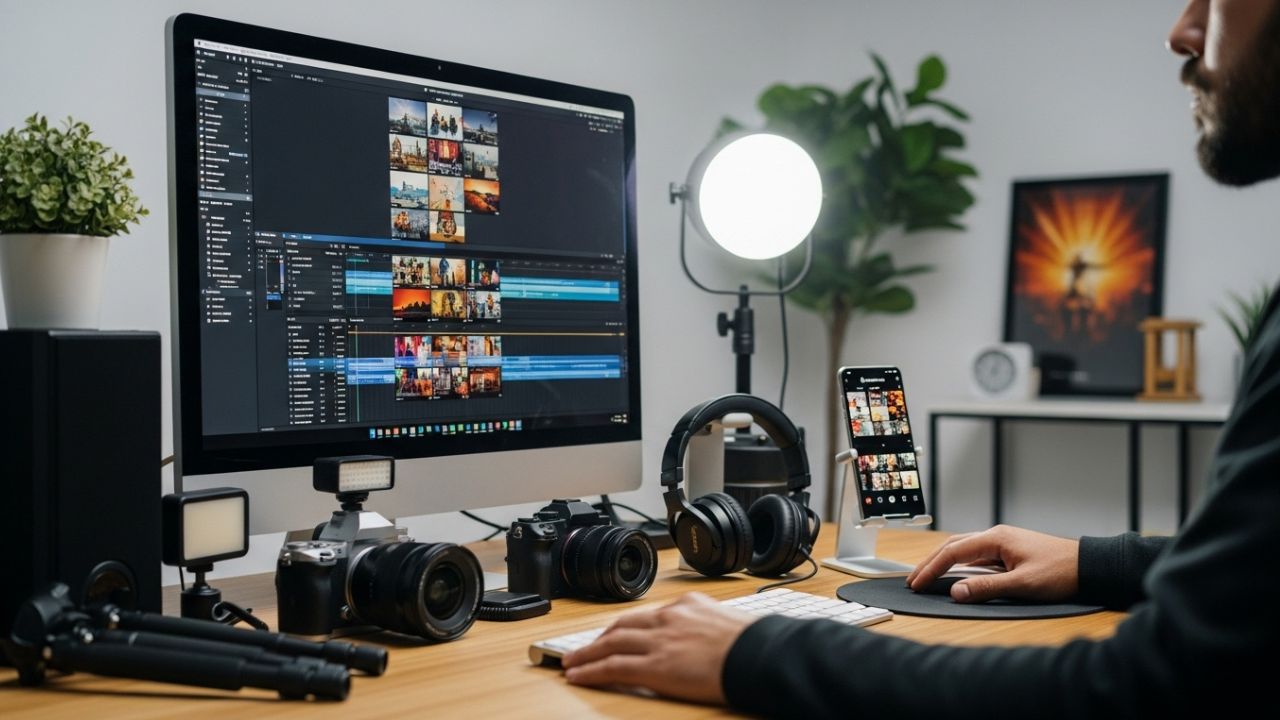
Instagram has evolved from a photo-sharing app into one of the most powerful video distribution platforms in the world. For videographers, this shift represents both an opportunity and a challenge. Reels are no longer just “short videos”; they are micro-films, marketing tools, portfolios, and attention machines compressed into vertical frames and seconds.
A Reel can:
- Attract new clients
- Build personal or studio branding
- Showcase technical skills
- Test creative ideas quickly
- Go viral with minimal resources 🚀
But success on Instagram Reels is not accidental. It is the result of a clear editing workflow, optimized specifically for:
- Vertical viewing
- Short attention spans
- Mobile sound-on/sound-off behavior
- Algorithmic preferences
This article breaks down a complete Reel editing workflow for videographers, from concept to export, focusing on efficiency, storytelling, and performance — without relying on trends alone.
Understanding the Reel Ecosystem 🧠
Before opening your editing software, you must understand the environment your video will live in.
How People Consume Reels
Most users:
- Scroll fast
- Decide in 1–3 seconds whether to stay
- Watch without sound initially
- Prefer authenticity over perfection
This means:
- Your hook is more important than your color grade
- Your pacing matters more than resolution
- Your story matters more than gear
Reel Technical Constraints (Baseline)
| Aspect | Recommended |
|---|---|
| Aspect Ratio | 9:16 |
| Resolution | 1080×1920 |
| Frame Rate | 24–30fps |
| Duration | 7–30s (sweet spot) |
| File Format | MP4 (H.264) |
Step 1: Concept & Intent 🎯
Every successful Reel starts before filming.
Define the Purpose
Ask yourself:
- Is this Reel for clients, followers, or peers?
- Is it educational, emotional, entertaining, or promotional?
- Do I want saves, shares, follows, or clicks?
Examples:
- Behind-the-scenes Reel → credibility & trust
- Cinematic montage → visual authority
- Tutorial snippet → saves & shares
- Story-based Reel → emotional engagement
One Reel = One Idea
A common mistake videographers make is trying to show everything:
- Too many shots
- Too many techniques
- Too many messages
Instead:
One Reel should communicate one clear idea.
Step 2: Shooting with Editing in Mind 🎥
Reels are edited first, shot second — mentally.
Vertical Framing Strategy
Even if you shoot on cinema cameras:
- Frame for vertical
- Protect the center
- Avoid important details near edges
Shot Variety for Reels
A strong Reel usually includes:
- Wide context shot
- Medium action shot
- Close detail shot
- Movement (pan, push, handheld)
This gives you editing flexibility and rhythm.
Shoot Short Clips
Instead of long takes:
- 2–5 second clips
- Clear start/end
- Intentional movement
This makes editing faster and pacing sharper ⚡
Step 3: Organizing Footage for Speed 🗂️
Professional Reel editors move fast because they organize well.
Folder Structure Example
Reel_Project/
├── Footage/
│   ├── Camera A
│   ├── Camera B
│   └── iPhone
├── Audio/
├── Music/
├── Graphics/
└── Exports/
Selects First, Timeline Later
Before touching the timeline:
- Watch everything
- Mark the best 5–10 clips
- Ignore “maybe” shots
Your Reel will be defined by selection, not effects.
Step 4: The Hook (First 1–3 Seconds) 🪝
The hook is the most critical part of a Reel.
Types of Effective Hooks
- Visual surprise
- Text question
- Before/after contrast
- Motion toward camera
- Emotional facial expression
Examples:
- “This took me 6 hours to edit…”
- Fast cut from chaos to clean shot
- Sudden beat drop with strong motion
Editing Rules for Hooks
- No fades
- No slow intros
- Start with motion or contrast
- Use bold text if needed
If your hook fails, nothing else matters.
Step 5: Timeline Assembly (Rough Cut) ✂️
Now the real editing begins.
Assemble in This Order
- Place the hook
- Build the story or sequence
- End with a payoff or loop
Pacing Principles
- Cut on action
- Cut on beat (even without music)
- Remove all dead frames
A good Reel feels slightly too fast — that’s usually perfect.
Step 6: Music & Sound Design 🎧
Sound is emotional glue.
Music Selection Strategy
- Choose music before final pacing
- Prefer tracks with:
- Clear beats
- Energy changes
- Recognizable mood
Even when using trending audio, adjust visuals to the rhythm.
Sound Effects (Subtle Wins)
- Whooshes for transitions
- Camera clicks for BTS
- Ambient textures for depth
Never overpower the visuals — enhance them.
Step 7: Text & Captions ✍️
Text is not decoration — it’s structure.
Why Text Matters
- Many users watch without sound
- Text clarifies intent
- Text increases retention
Best Practices
- Big, readable fonts
- Short sentences
- High contrast
- Center-safe placement
Text Timing
- Sync text with cuts
- Animate simply (fade, slide)
- Remove text as soon as it’s read
Step 8: Color & Look (Fast but Intentional) 🎨
Reels do not require cinematic perfection — but they do require consistency.
Fast Color Workflow
- Basic exposure & white balance
- Contrast
- Saturation
- Optional LUT (light touch)
Avoid:
- Heavy film grain
- Extreme letterboxing
- Dark Instagram-crushed blacks
Remember: Instagram compresses aggressively.
Step 9: Advanced Editing Techniques for Reels 🔥
Speed Ramping
Used sparingly, speed ramps:
- Add energy
- Emphasize motion
- Sync with music
Match Cuts
Cut between:
- Similar shapes
- Similar movement
- Similar framing
This creates visual flow even in short content.
Micro Storytelling
Even a 7-second Reel can have:
- Setup
- Action
- Resolution
Story beats matter.
Step 10: Loop Optimization 🔁
A perfect Reel loops seamlessly.
Loop Techniques
- End on similar frame as start
- Use camera movement that feels continuous
- Cut mid-action
When viewers don’t notice the loop, watch time increases — and so does reach.
Step 11: Export Settings for Instagram 📤
Recommended Export Settings
| Setting | Value |
|---|---|
| Resolution | 1080×1920 |
| Codec | H.264 |
| Bitrate | 8–12 Mbps |
| Audio | AAC |
| Color Space | Rec.709 |
Avoid 4K uploads — they don’t improve quality on Instagram.
Step 12: Caption Strategy & Posting 📝
Your Reel isn’t finished until it’s posted correctly.
Caption Structure
- Hook line
- Context or story
- Call to action
Example:
“This Reel almost didn’t get posted…
Shot, edited, doubted, posted anyway.
Save this if you’re a filmmaker 🎥”
Hashtags (Minimal & Relevant)
- 3–5 hashtags
- Niche-specific
- Avoid spammy tags
Step 13: Analyzing Performance 📊
Every Reel teaches you something.
Metrics to Watch
- Watch time
- Replays
- Saves
- Shares
- Follows gained
Improve the Next Reel
- Strong hook → repeat style
- Weak retention → faster pacing
- Low engagement → clearer message
Growth is iterative, not viral luck.
Common Mistakes Videographers Make ❌
- Over-editing
- Ignoring vertical composition
- Slow intros
- Long Reels with no story
- Treating Reels like YouTube videos
Instagram rewards clarity, energy, and intent.
Final Thoughts: Reels as a Creative Lab 🌱
For videographers, Instagram Reels are not a downgrade — they are a training ground.
They force you to:
- Tell stories faster
- Edit cleaner
- Communicate visually
- Respect attention
Mastering Reel editing improves every other form of video you create.
Reels are not the enemy of cinema.
They are cinema — distilled.
🎬✨
Leave a Reply