
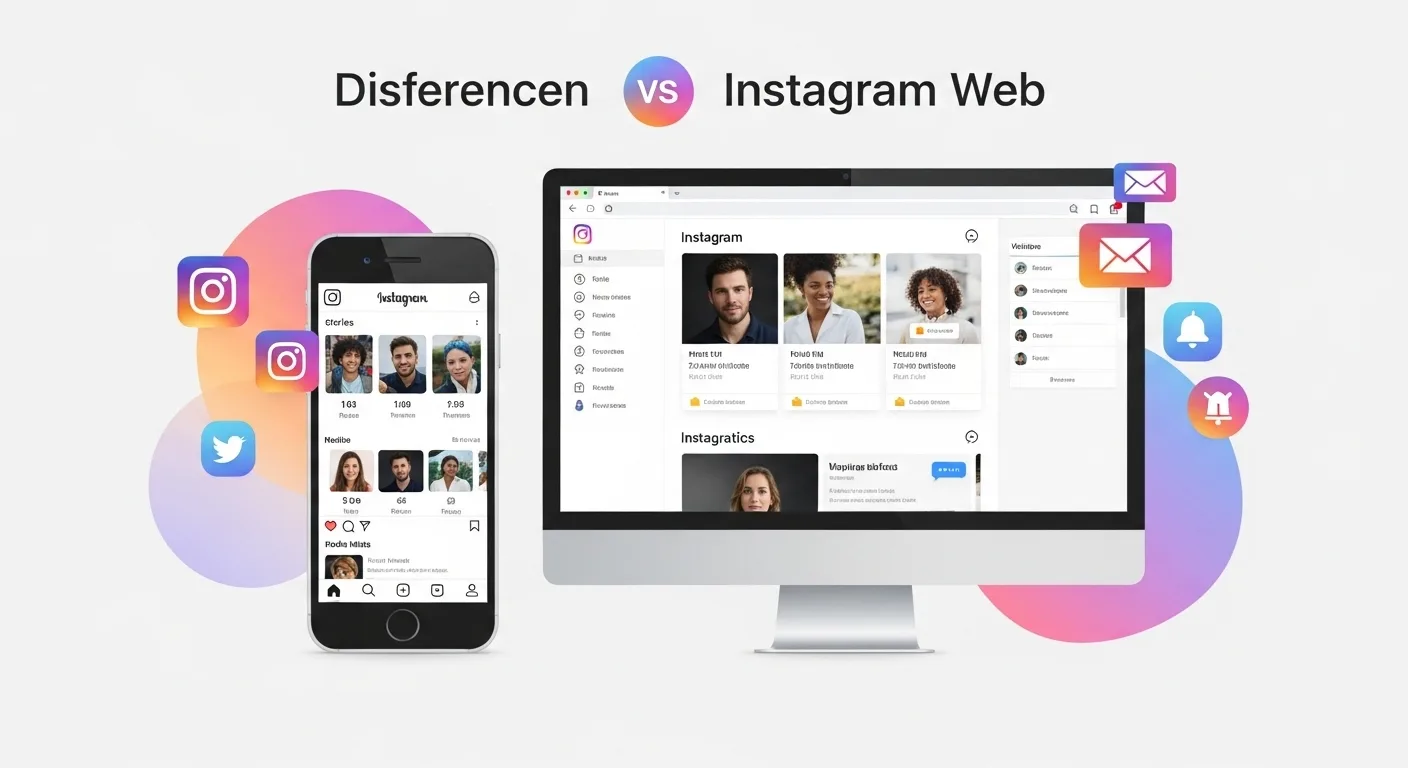
Instagram has evolved from a simple mobile photo-sharing app into a powerful global social media platform used by creators, brands, marketers, and everyday users. Today, people access Instagram in two main ways: through the mobile app and through the web browser version. While both provide access to the same social network, the experience, functionality, and capabilities differ significantly.
Understanding the difference between Instagram Web and Instagram Mobile is important for users who want to optimize their workflow, grow their accounts, or manage social media professionally.
This article explores the core differences, advantages, limitations, and best use cases for each platform.
1. Introduction to Instagram Platforms
Instagram was originally designed as a mobile-first application. For many years, almost all features were available exclusively in the mobile app. The web version existed mostly as a viewing interface rather than a full-featured platform.
Over time, Instagram expanded the browser experience, allowing users to:
- Upload posts
- Send messages
- Browse stories
- Interact with content
However, the mobile app remains the primary platform, where most features are introduced first.
Two Main Ways to Use Instagram
| Platform | Description | Typical Device |
|---|---|---|
| Instagram Mobile | Full-featured application | Smartphones / tablets |
| Instagram Web | Browser-based interface | Desktop / laptop |
Both platforms connect to the same account and synchronize activity instantly.
2. Overview of Instagram Mobile 📱
The mobile version is the heart of Instagram. Nearly every new feature launches here first.
Key Characteristics
- Designed for touch interaction
- Optimized for cameras
- Includes full content creation tools
- Supports most advanced features
Main Mobile Features
- Photo and video posting
- Stories creation
- Reels editing
- Live streaming
- Filters and AR effects
- Full messaging system
- Shopping features
- Creator tools
Why Mobile Is the Primary Platform
Instagram was built around instant visual sharing. Smartphones provide:
📷 Cameras
🎤 Microphones
📍 GPS location
🎞 Video editing capabilities
These hardware features allow users to create content quickly and naturally.
3. Overview of Instagram Web 💻
Instagram Web allows users to access their accounts through browsers such as Chrome, Safari, or Edge.
Originally, the web version allowed only limited functionality:
- Viewing posts
- Liking content
- Commenting
Over the years, Instagram improved the browser interface significantly.
Current Web Capabilities
Users can now:
- Upload photos and videos
- Browse Reels
- Send and receive direct messages
- Watch stories
- Search profiles and hashtags
- Manage notifications
However, some advanced creation tools remain mobile-exclusive.
4. Feature Comparison: Web vs Mobile
Below is a comprehensive comparison of the two platforms.
| Feature | Mobile App | Web Version |
|---|---|---|
| Feed browsing | ✅ Full | ✅ Full |
| Post photos | ✅ Yes | ✅ Yes |
| Post videos | ✅ Yes | ✅ Limited |
| Reels creation | ✅ Full editor | ❌ Not supported |
| Stories creation | ✅ Full | ⚠️ Limited |
| Live streaming | ✅ Yes | ❌ No |
| Filters and effects | ✅ Many | ❌ None |
| Direct messages | ✅ Full | ✅ Full |
| Notifications | ✅ Yes | ✅ Yes |
| Explore page | ✅ Yes | ✅ Yes |
| Shopping features | ✅ Full | ⚠️ Partial |
| Account insights | ✅ Full | ⚠️ Limited |
The table shows that content creation tools are heavily mobile-focused.
5. User Interface Differences
The design of Instagram changes depending on the device.
Mobile Layout
Mobile uses a vertical scrolling interface optimized for thumb navigation.
Typical layout:
Top bar
Stories
Feed
Bottom navigation menu
Bottom icons include:
🏠 Home
🔍 Search
➕ Create
🎬 Reels
👤 Profile
This layout is designed for fast content consumption.
Web Layout
The web interface uses a wider desktop layout.
Typical elements:
Left sidebar navigation
Central feed
Right panel suggestions
Desktop Navigation
| Menu Item | Function |
|---|---|
| Home | Main feed |
| Search | Find content |
| Explore | Discover posts |
| Messages | Direct messages |
| Notifications | Activity |
| Create | Upload posts |
| Profile | View profile |
The desktop interface offers better multitasking due to screen size.
6. Content Creation Differences 🎨
Content creation is where the biggest gap exists between mobile and web.
Mobile Creation Tools
The mobile app provides powerful editing tools.
Built-in Editing Options
- Filters
- Brightness adjustments
- Contrast
- Saturation
- Cropping
- Rotation
Advanced Mobile Features
| Tool | Description |
|---|---|
| Reels editor | Multi-clip editing |
| Music library | Add music tracks |
| Stickers | Interactive elements |
| AR effects | Augmented reality filters |
| Text overlays | Stylized captions |
These tools enable creators to produce engaging content directly inside the app.
Web Creation Tools
The browser version offers only basic upload capabilities.
Available Web Tools
- Upload photos
- Upload videos
- Basic cropping
- Caption writing
- Tagging users
- Adding location
Missing Tools
❌ Filters
❌ Music library
❌ Reels editor
❌ AR effects
❌ Stickers
Because of this, many creators prefer mobile or external editing software.
7. Direct Messaging Comparison 💬
Instagram’s messaging system works on both platforms.
Mobile Messaging Features
- Text messages
- Voice messages
- Video chat
- Message reactions
- GIF sharing
- Vanish mode
Web Messaging Features
Most features exist on desktop, including:
- Sending messages
- Reacting to messages
- Sharing posts
- Viewing conversations
However, some mobile features like voice messaging and video calls may be limited or unavailable depending on the browser.
8. Story Features
Instagram Stories are one of the platform’s most popular features.
Mobile Stories
Mobile allows full story creation.
Available options include:
- Photos
- Videos
- Music
- Polls
- Questions
- Quizzes
- Stickers
- GIFs
- Drawing tools
Stories are highly interactive on mobile.
Web Stories
On desktop, users can:
- View stories
- Reply to stories
- Occasionally upload simple stories
However, interactive stickers and effects are missing.
9. Reels Functionality 🎬
Reels are Instagram’s short-form video format.
Mobile Reels
The mobile app provides a full editing environment:
- Multi-clip recording
- Speed adjustments
- Music synchronization
- Effects
- Timers
- Templates
Web Reels
The web version allows users to:
- Watch Reels
- Like and comment
But users cannot create Reels directly in most cases.
10. Performance Differences
Performance varies depending on the device.
Mobile Performance
Advantages:
📱 Fast access
📸 Camera integration
📶 Optimized for cellular networks
However:
- Battery usage can be high
- App updates may change behavior
Web Performance
Advantages:
💻 Larger screen
⌨️ Keyboard shortcuts
🖥 Multitasking
However:
- Some features are slower
- Uploading large files can be inconsistent
11. Best Use Cases for Instagram Web
Instagram Web is useful for certain types of users.
Ideal for:
- Social media managers
- Desktop workers
- Comment moderation
- Messaging
- Content browsing
Many professionals prefer desktop when:
✔ Responding to messages
✔ Writing captions
✔ Managing multiple accounts
Typing on a keyboard is faster.
12. Best Use Cases for Instagram Mobile
Mobile remains the best platform for content creators.
Ideal for:
- Taking photos
- Recording videos
- Creating Reels
- Posting Stories
- Using filters
Creators rely on mobile for creative tools and spontaneity.
13. Workflow Differences for Creators
Professional creators often combine both platforms.
Example Workflow
| Step | Platform |
|---|---|
| Shoot video | Mobile |
| Edit Reel | Mobile |
| Write caption | Desktop |
| Respond to comments | Desktop |
| Post stories | Mobile |
This hybrid workflow maximizes efficiency.
14. Accessibility and Convenience
Each platform offers unique advantages.
Mobile Advantages
- Always available
- Quick posting
- Instant camera access
Web Advantages
- Larger screen
- Easier typing
- Better multitasking
Many users choose the platform based on context and convenience.
15. Security and Account Management 🔐
Both platforms include security features.
Shared Security Options
- Two-factor authentication
- Login alerts
- Account activity tracking
- Password changes
However, some advanced settings are easier to manage on desktop due to screen space.
16. Notifications
Notifications behave differently across platforms.
Mobile Notifications
Mobile supports push notifications for:
- Likes
- Comments
- Messages
- Mentions
- Live videos
Web Notifications
Desktop provides notifications through:
- Browser alerts
- Notification panel
However, browser notifications may require permission.
17. Content Consumption Behavior
User behavior also differs between platforms.
Mobile Users
Mobile usage tends to be:
- Faster
- More frequent
- Shorter sessions
People often check Instagram multiple times daily.
Desktop Users
Desktop sessions are usually:
- Longer
- More focused
- Less frequent
Users often browse during work breaks.
18. Limitations of Instagram Web
Despite improvements, some limitations remain.
Major Limitations
❌ No live streaming
❌ Limited editing tools
❌ No full story creator
❌ No advanced Reel tools
❌ Fewer creative features
Because of this, Instagram Web still feels like a secondary interface.
19. Advantages of Instagram Web
Even with limitations, the web version has benefits.
Key Advantages
💻 Easier typing
📊 Better for management
📂 Easier file uploads from desktop
🖥 Larger screen viewing
These advantages make it useful for business users and marketers.
20. Future of Instagram Web
Instagram continues expanding desktop functionality.
Possible future improvements include:
- Full Reel creation
- Advanced editing tools
- Story stickers
- Better analytics
As social media workflows evolve, the desktop experience will likely grow.
However, Instagram will probably remain mobile-first.
Conclusion
Instagram Web and Instagram Mobile offer two different experiences within the same platform.
The mobile app is designed for creativity, real-time content sharing, and full feature access. It includes advanced tools for creating posts, Reels, Stories, and live broadcasts.
The web version, on the other hand, focuses on browsing, messaging, and account management. While it allows basic posting and interaction, it lacks many creative tools found in the mobile app.
For casual users, either platform works well. But for creators, influencers, and marketers, the best strategy is often to combine both platforms—using mobile for content creation and desktop for management tasks.
As Instagram continues evolving, the gap between web and mobile may shrink. Until then, the mobile app remains the most powerful way to experience Instagram.
Leave a Reply