
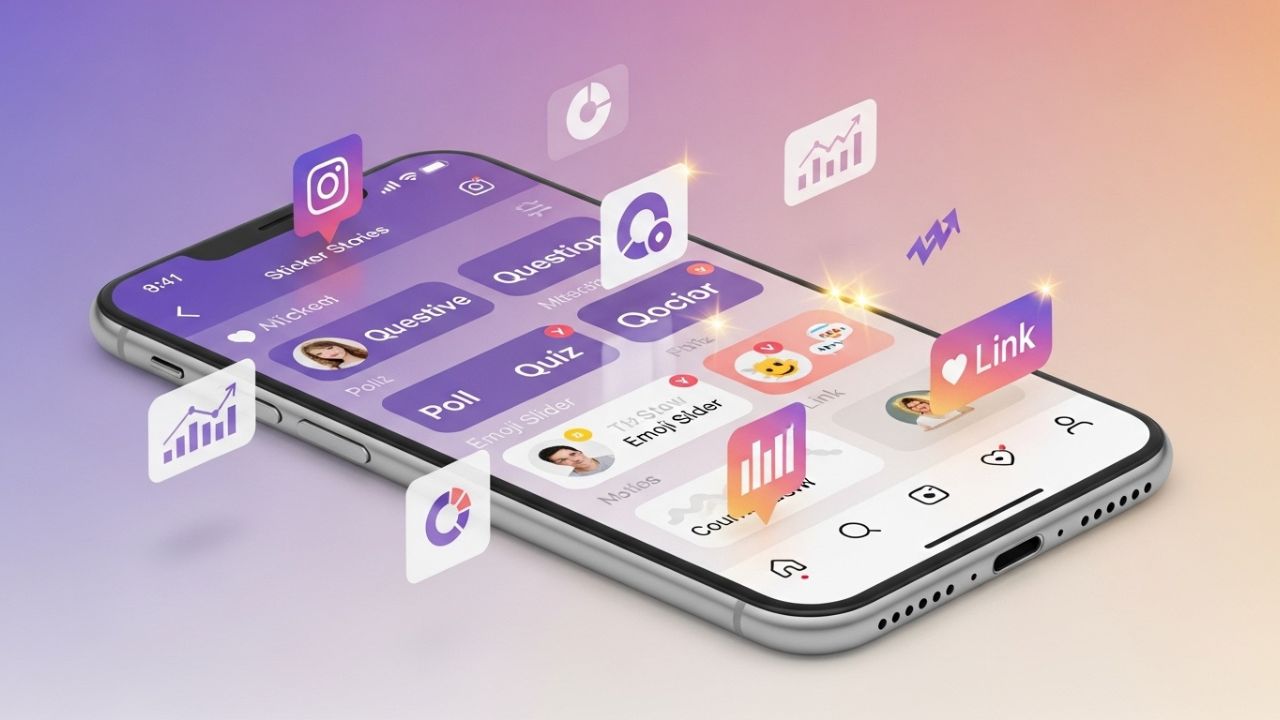
Instagram Stories have transformed the way brands, creators, and everyday users communicate. What once began as a simple disappearing photo feature has evolved into one of the most powerful engagement tools in digital marketing. At the heart of this evolution lies a deceptively simple feature: Instagram’s Sticker Tray.
Many users treat stickers as decorative add-ons. In reality, they are strategic engagement triggers. When used intentionally, stickers can increase replies, taps, shares, saves, profile visits, and even conversions.
This comprehensive guide will walk you through:
- What the Sticker Tray is
- Why it matters for engagement
- Every major sticker type and how to use it strategically
- Advanced psychological triggers behind stickers
- A structured engagement strategy
- Content frameworks and case examples
- Optimization techniques
- A weekly implementation plan
- Common mistakes to avoid
- Analytics tracking and performance benchmarks
Let’s dive in. 💡
1. What Is Instagram’s Sticker Tray? 🎨
The Sticker Tray is the collection of interactive elements available within Instagram Stories. When you create a Story and tap the sticker icon (square smiley face at the top), a menu opens with various stickers you can place on your Story.
These include:
- Poll
- Question
- Quiz
- Emoji Slider
- Countdown
- Link
- Mention
- Location
- Hashtag
- Music
- GIF
- Add Yours
- Avatar
- Product
- Donation
- Chat
- And more
Some stickers are interactive (requiring user input), while others enhance discoverability or aesthetic appeal.
The power of the Sticker Tray lies in one key principle:
Engagement increases when users shift from passive viewers to active participants.
Stickers turn watching into doing.
2. Why Stickers Dramatically Increase Engagement 📈
Instagram’s algorithm favors content that generates interaction. The more signals of engagement (taps, replies, shares, sticker interactions), the more your Stories are shown.
Here’s what stickers influence:
| Engagement Signal | Sticker Impact |
|---|---|
| Replies | Question sticker, polls |
| Taps | Quiz, slider |
| Shares | Add Yours |
| Link clicks | Link sticker |
| Story ranking | All interactive stickers |
| Time spent | Multi-frame sticker sequences |
| Emotional connection | Emoji slider, Q&A |
When someone taps a poll or answers a question, they:
- Spend more time on your Story.
- Create a micro-commitment.
- Become psychologically invested.
That investment increases the likelihood of future engagement.
3. Complete Breakdown of Major Stickers 🧩
Let’s examine each key sticker and how to use it for maximum impact.
3.1 Poll Sticker 🗳️
Best for: Quick decisions, segmentation, audience research.
The Poll Sticker allows users to choose between two options.
Why It Works
- Fast and frictionless.
- People love expressing opinions.
- Creates curiosity about results.
Strategic Uses
| Goal | Example |
|---|---|
| Market Research | “Which product should we launch?” |
| Engagement Boost | “Coffee ☕ or Tea 🍵?” |
| Content Direction | “Want Part 2?” |
| Sales Funnel | “Interested in this offer?” |
Advanced Tip
Use polls to segment your audience:
- Option A = Beginner
- Option B = Advanced
Then create follow-up Stories tailored to each group.
3.2 Question Sticker ❓
Best for: Deep engagement, relationship building.
This sticker invites open-ended responses.
Why It Works
- Creates conversation.
- Builds trust.
- Generates user-generated content ideas.
Strategic Uses
| Strategy | Example |
|---|---|
| AMA (Ask Me Anything) | “Ask me about starting a business.” |
| Pain Point Research | “What’s your biggest struggle with fitness?” |
| Objection Handling | “What’s stopping you from launching?” |
| Community Spotlight | Share best answers publicly |
Pro Technique
Turn responses into a multi-story sequence:
- Question slide.
- Response slide.
- Expert insight slide.
- CTA slide.
This increases retention across frames.
3.3 Quiz Sticker 🧠
Best for: Educational content, gamification.
Allows up to four answer choices with one correct option.
Why It Works
- Activates curiosity.
- Encourages completion.
- Adds gamification.
Strategic Uses
| Goal | Example |
|---|---|
| Authority Building | “What does SEO stand for?” |
| Product Education | “Which ingredient boosts energy?” |
| Myth Busting | “True or False?” |
Advanced Strategy
Create a 3-question sequence:
- Q1: Easy
- Q2: Medium
- Q3: Challenging
This increases taps and dwell time.
3.4 Emoji Slider 🔥
Best for: Emotional measurement.
Users drag an emoji to express intensity.
Why It Works
- Visual and playful.
- Quick interaction.
- Measures enthusiasm.
Use Cases
| Scenario | Example |
|---|---|
| Product Teaser | “How excited are you?” |
| Outfit Check | “Rate this look.” |
| Idea Validation | “Would you try this?” |
Optimization Tip
Match emoji to emotion:
- 🔥 for excitement
- 😍 for love
- 🤔 for curiosity
- 💪 for motivation
3.5 Countdown Sticker ⏳
Best for: Launches and urgency.
Allows users to set reminders.
Why It Works
- Triggers FOMO.
- Builds anticipation.
- Encourages return visits.
Ideal For
- Product launches
- Webinars
- Sales
- Events
- Limited drops
Pro Tip
Start countdown 3–7 days before event.
Post daily reminder Stories leading to it.
3.6 Link Sticker 🔗
Best for: Driving traffic.
Previously limited to swipe-up accounts, now widely accessible.
How to Maximize Clicks
| Technique | Example |
|---|---|
| Add urgency | “Only available today.” |
| Add benefit | “Get the full checklist.” |
| Add context | Show preview before linking |
| Add arrow GIF | Direct attention visually |
3.7 Add Yours Sticker 📢
Best for: Viral engagement.
Encourages others to contribute to a shared prompt.
Why It Works
- Community-driven.
- Tap-to-participate.
- Increases shareability.
Example Prompts
- “Show your workspace.”
- “Your current obsession.”
- “First business mistake.”
This sticker is powerful for reach expansion.
3.8 Mention Sticker 👥
Best for: Collaboration and relationship building.
Tag:
- Clients
- Partners
- Influencers
- Customers
Mentioning increases likelihood of reposts.
3.9 Location & Hashtag Stickers 🌍
Best for: Discoverability.
These improve visibility in location-based or hashtag searches.
Use especially for:
- Events
- Travel
- Local businesses
4. The Psychology Behind Sticker Engagement 🧠✨
Understanding why stickers work makes you unstoppable.
4.1 Micro-Commitments
When someone taps a poll, they make a small commitment. According to behavioral psychology, small commitments increase likelihood of larger ones later.
Poll → Reply → DM → Purchase
4.2 Curiosity Gap
Stickers create open loops:
- “Guess what happened?”
- “True or False?”
Humans hate unanswered questions.
4.3 Reciprocity Principle
When someone answers your question and you respond, they feel acknowledged.
This builds loyalty.
4.4 Social Proof
Sharing quiz results or poll percentages validates community participation.
“83% said YES” = authority + momentum.
5. Strategic Sticker Framework 📊
Here’s a structured engagement model:
| Story Type | Sticker Used | Objective |
|---|---|---|
| Hook Slide | Poll | Immediate interaction |
| Value Slide | Quiz | Reinforce learning |
| Proof Slide | Question | Collect opinions |
| Offer Slide | Link + Slider | Drive action |
Use 3–6 frames per Story sequence.
6. Content Sequencing Formula 🔁
Instead of random stickers, use this formula:
1️⃣ Hook
“Most people fail at this…”
Add Poll: “Agree / Disagree”
2️⃣ Build Curiosity
“Here’s why…”
3️⃣ Teach
Add Quiz
4️⃣ Engage
Add Question: “Want more tips?”
5️⃣ CTA
Add Link sticker
This increases retention and conversions.
7. Weekly Sticker Strategy Template 🗓️
| Day | Focus | Sticker |
|---|---|---|
| Monday | Market Research | Poll |
| Tuesday | Education | Quiz |
| Wednesday | Community | Question |
| Thursday | Authority | Slider |
| Friday | Promotion | Countdown + Link |
| Saturday | Fun | Add Yours |
| Sunday | Reflection | Question |
Consistency compounds engagement.
8. Analytics: How to Measure Sticker Success 📈
Track these metrics:
| Metric | What It Tells You |
|---|---|
| Story Completion Rate | Content retention |
| Sticker Taps | Engagement strength |
| Replies | Relationship depth |
| Link Clicks | Conversion potential |
| Exits | Content weakness |
If many exit on first slide → weak hook.
If few respond → unclear CTA.
9. Advanced Growth Techniques 🚀
9.1 Stack Stickers
Example:
- Poll + Slider on same frame.
- Countdown + Question.
- Link + Poll.
Be careful not to overwhelm visually.
9.2 Use Pattern Interrupts
Mid-sequence:
“Wait… answer this first.”
Add sticker.
This resets attention.
9.3 Turn Responses into Content
Take Question sticker answers.
Create:
- Reels
- Carousels
- Blog posts
Your audience tells you what to create.
9.4 Segmented Story Funnels
Example:
Poll:
“Beginner / Advanced”
Next slide:
“Beginner tips…”
Next slide:
“Advanced tips…”
Personalization boosts retention.
10. Common Mistakes to Avoid ❌
| Mistake | Why It Hurts |
|---|---|
| Overusing stickers | Cluttered, confusing |
| No clear instruction | Low response |
| Random questions | No strategic purpose |
| Ignoring replies | Lost relationship opportunity |
| Only promoting | Engagement drops |
Balance value and promotion.
11. Visual Placement Best Practices 🎯
- Place stickers in the upper-middle area.
- Avoid covering faces.
- Use contrasting background.
- Add arrows or text like “Tap below.”
Human attention follows visual cues.
12. Example Engagement Campaign 🎉
Imagine launching an online course.
Day 1:
Poll: “Want to grow on Instagram?”
Day 2:
Question: “What’s your biggest struggle?”
Day 3:
Quiz: “How often should you post?”
Day 4:
Countdown: “Enrollment opens Friday.”
Day 5:
Link sticker to sales page.
Each day builds momentum.
13. Integrating Stickers with Reels & Feed 🔄
Use Stories to:
- Warm audience.
- Test ideas.
- Collect objections.
- Drive traffic to posts.
Stories = Engagement engine.
Feed = Authority.
Reels = Discovery.
Stickers connect everything.
14. Emotional Triggers That Increase Sticker Interaction ❤️
| Emotion | Sticker Type |
|---|---|
| Curiosity | Quiz |
| Belonging | Add Yours |
| Excitement | Slider |
| Urgency | Countdown |
| Validation | Poll |
Engagement = Emotion + Action.
15. Future-Proofing Your Sticker Strategy 🔮
Instagram evolves constantly. The principle remains:
Interactive content wins.
As new stickers launch, test quickly.
Early adopters often receive algorithmic boosts.
16. The Engagement Multiplier Effect 💥
When used strategically:
- Poll increases replies.
- Replies increase DM conversations.
- DMs increase trust.
- Trust increases sales.
One sticker can trigger a chain reaction.
17. Final Action Plan 📝
If you want maximum engagement:
- Use at least 1 interactive sticker daily.
- Create 3–5 frame sequences.
- Track performance weekly.
- Repurpose responses.
- Combine emotion + clarity.
- Always give clear instructions.
Conclusion 🎯
Instagram’s Sticker Tray is not decoration.
It is:
- A research tool.
- A segmentation tool.
- A conversion tool.
- A relationship-building engine.
- A psychological engagement trigger.
When used strategically, stickers transform passive viewers into active participants — and active participants into loyal followers and customers.
If you treat Stories as conversations instead of broadcasts, engagement becomes natural.
Start simple:
Add one poll today.
Add one question tomorrow.
Analyze.
Refine.
Repeat.
The Sticker Tray is small.
Its impact is massive. 🚀📲
Leave a Reply